
Day 34 was a quiz and challenge day where we went back to one of our previous projects and added animations on our own. I really liked the challenge because I wasn’t expecting to go back to a previous project! #100DaysOfSwiftUI
Day 33… continuing with animations and I swear this is more fun than it looks from a single screenshot. #100DaysOfSwiftUI
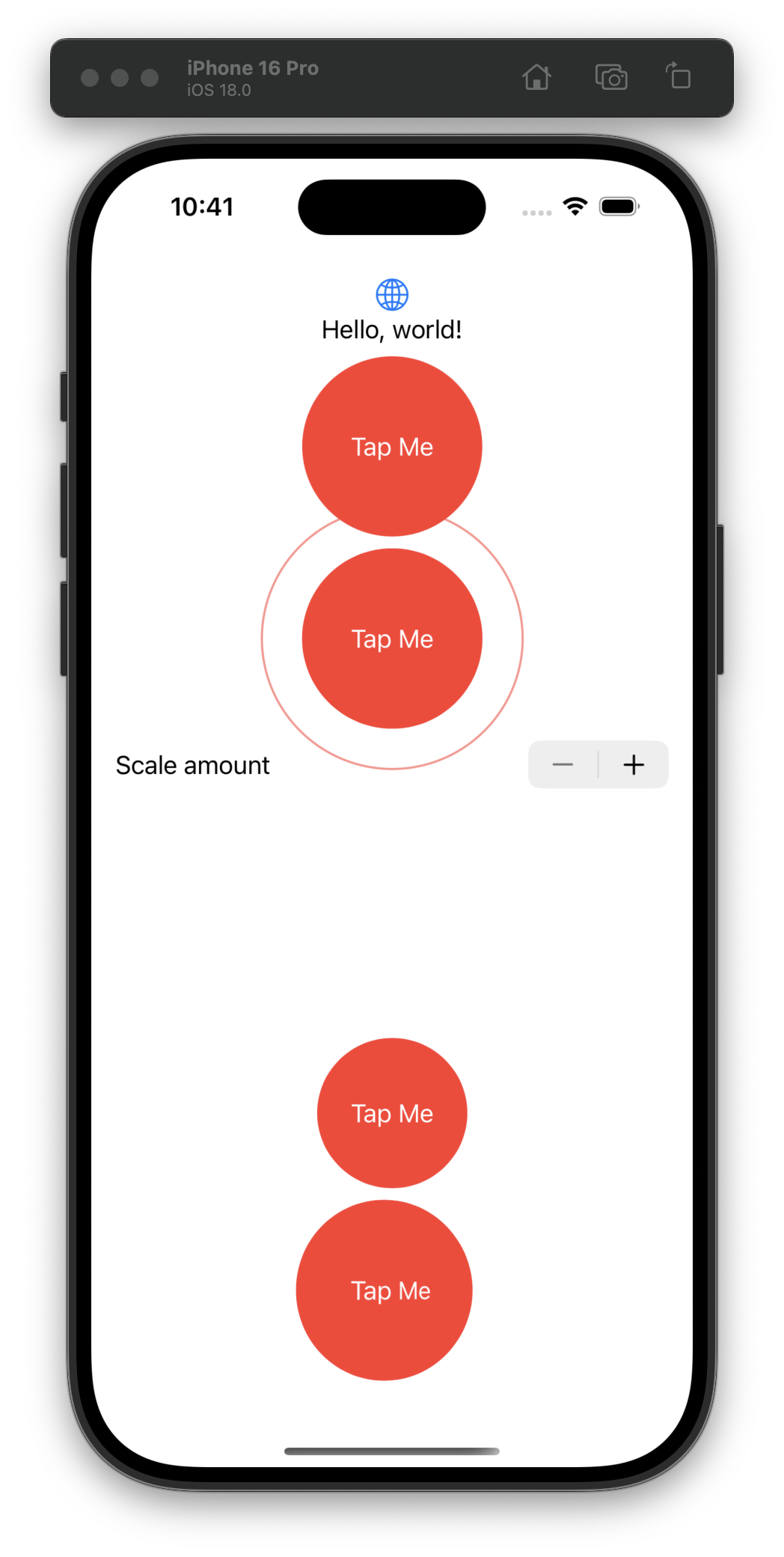
Yes, I do embrace absolute chaos when I’m first trying the provided sample code so I can keep playing with older examples as I’m learning more intricate modifiers. Day 32 in the books! #100DaysOfSwiftUI
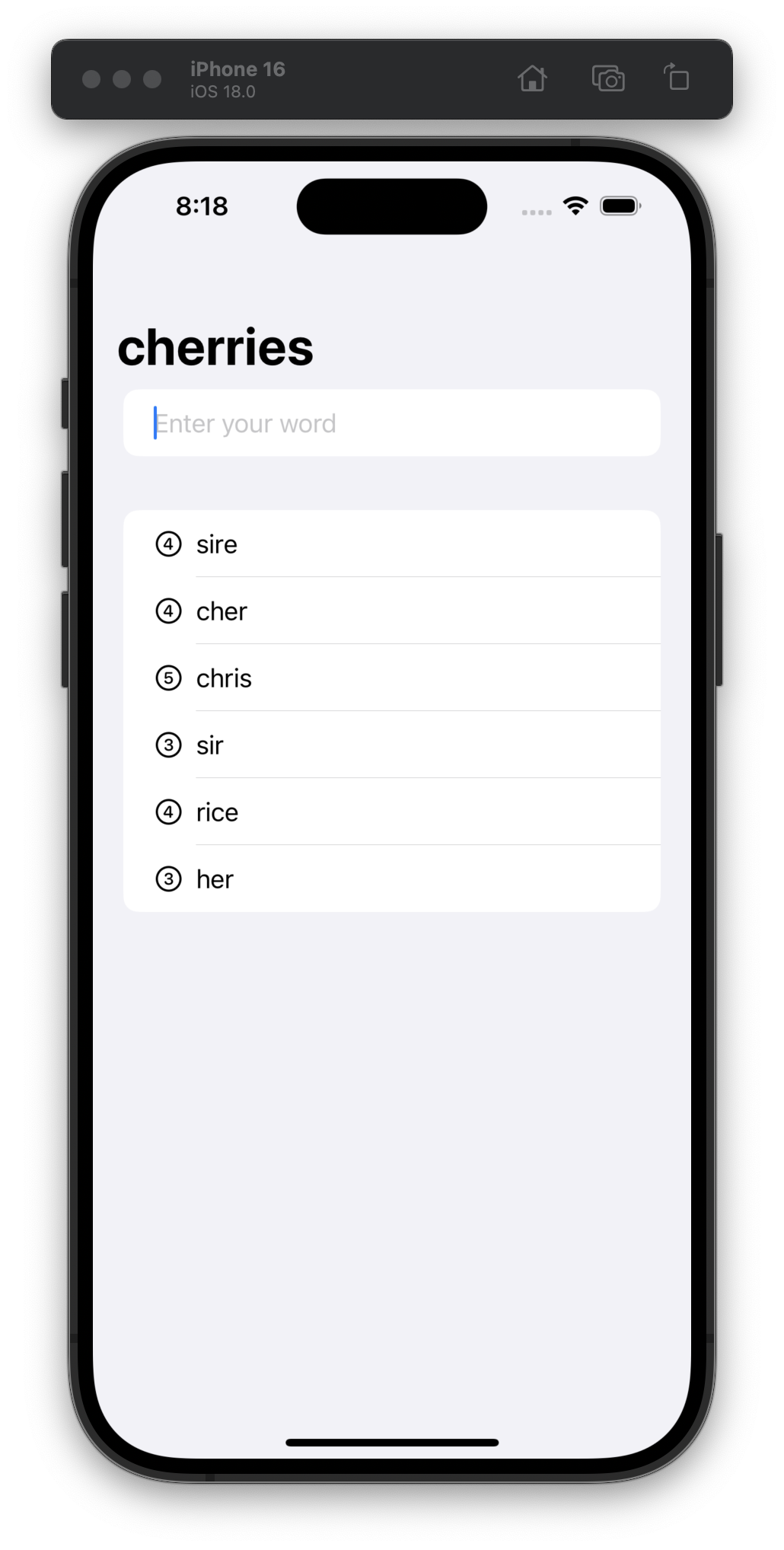
Day 31 was a challenge day where we took a test and had to update our app with only some requirements and no code hints. I extended mine to show a score based on the number of letters in each correct guess. #100DaysOfSwiftUI
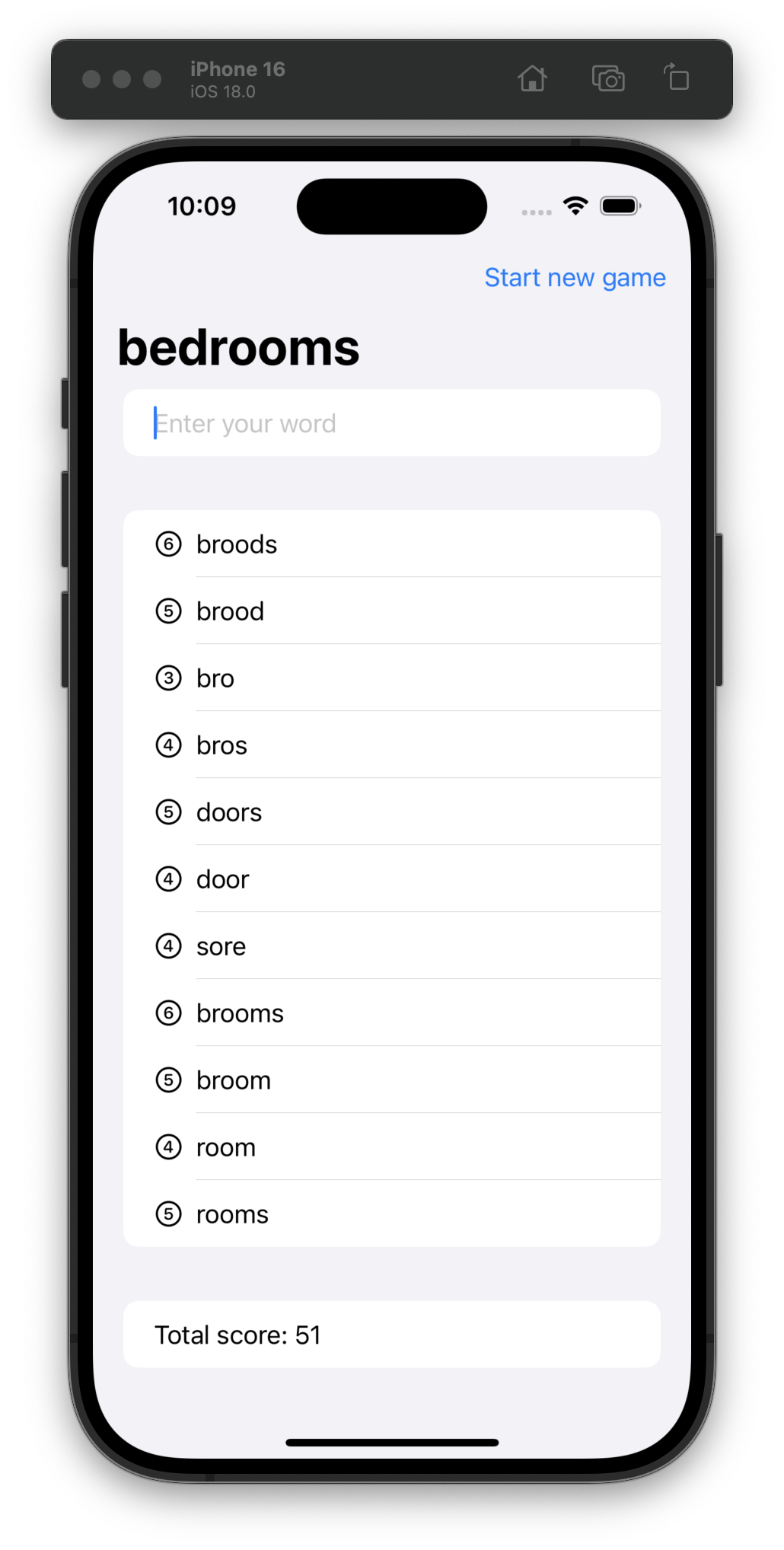
Back on it after being sick the last couple days… for day 30, we mostly copied code from the tutorial, but I find it very useful to type everything out to get that muscle memory built up.
Here’s a little game where you have to type words that are a subset of a random word. #100DaysOfSwiftUI
Day 29 is bringing me back to my Objective-C days:
let range = checker.rangeOfMisspelledWord(in: word, range: range, startingAt: 0, wrap: false, language: "en")
The full rangeOfMisspelledWordInString:range:startingAt:wrap:language: API signature is too long for this post. #100DaysOfSwiftUI
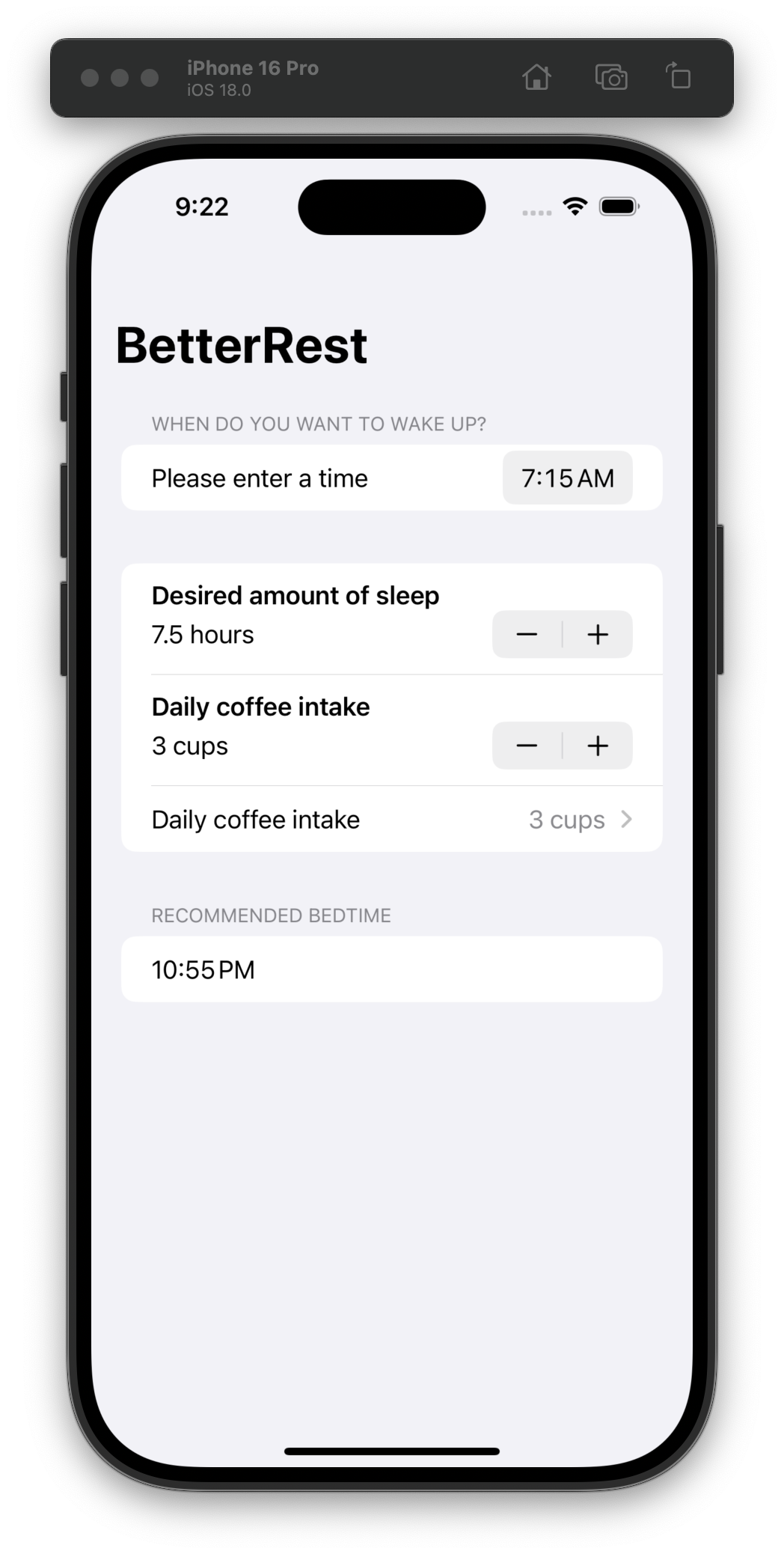
Day 28 was straightforward—a review quiz and some challenges for us to modify our most recent app. Onward! #100DaysOfSwiftUI
I realize that you might have thought “wow, we’re looking at machine learning already?” After all, this is only day 27 of a 100-day course. But, as Andre Gide said, “you cannot discover new oceans unless you have the courage to lose sight of the shore.”
Heh, #100DaysOfSwiftUI read my mind!
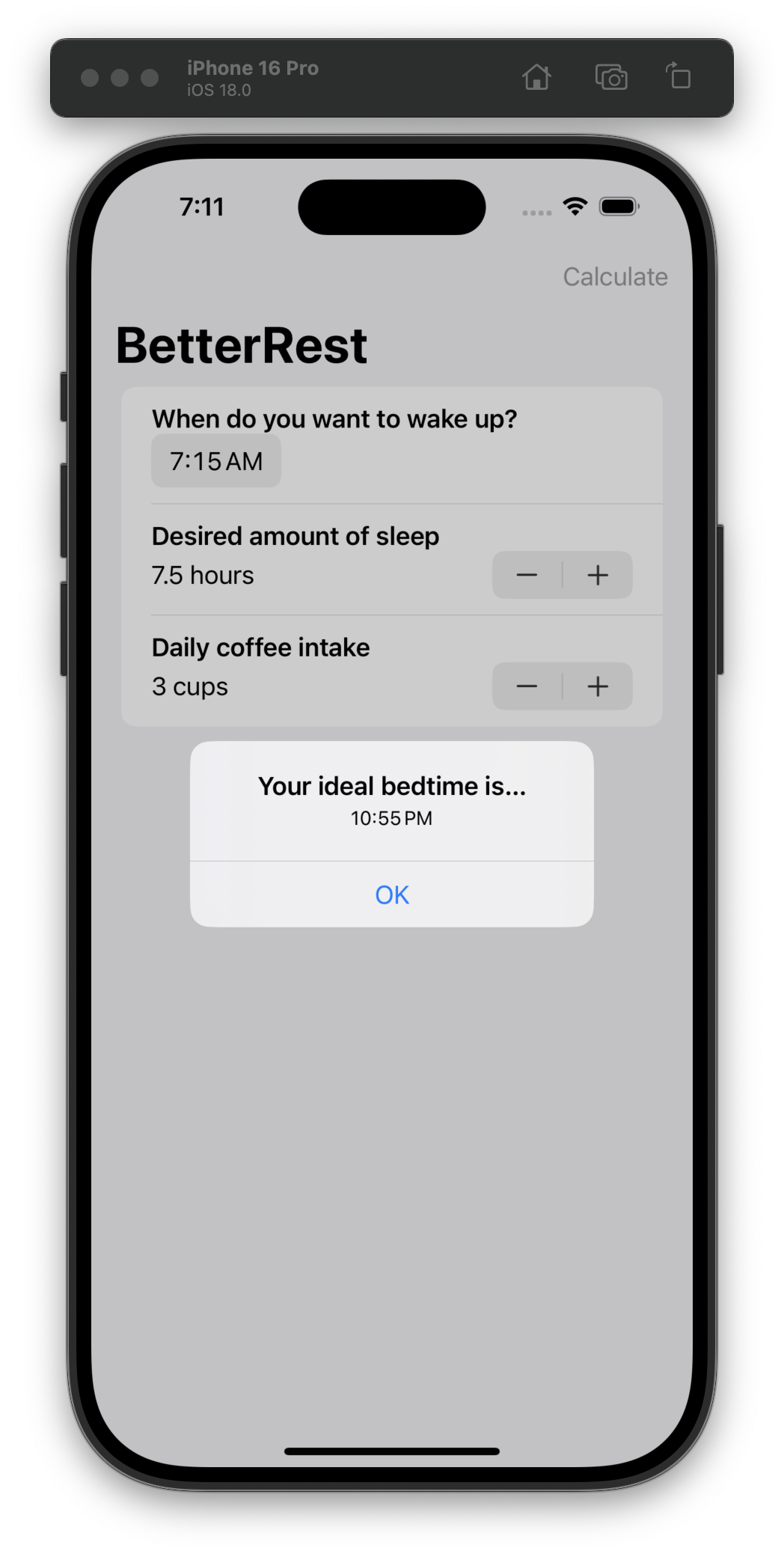
Today we built a UI on top of the Core ML model we trained yesterday. Straightforward but fun!
I was not expecting “Training a model with Create ML” to be a part of the Day 26 content!
As someone who has built a lot of training content this past year for work, I know how valuable it is to create fun/engaging exercises, so it impresses me to see Machine Learning (ML) in #100DaysOfSwiftUI
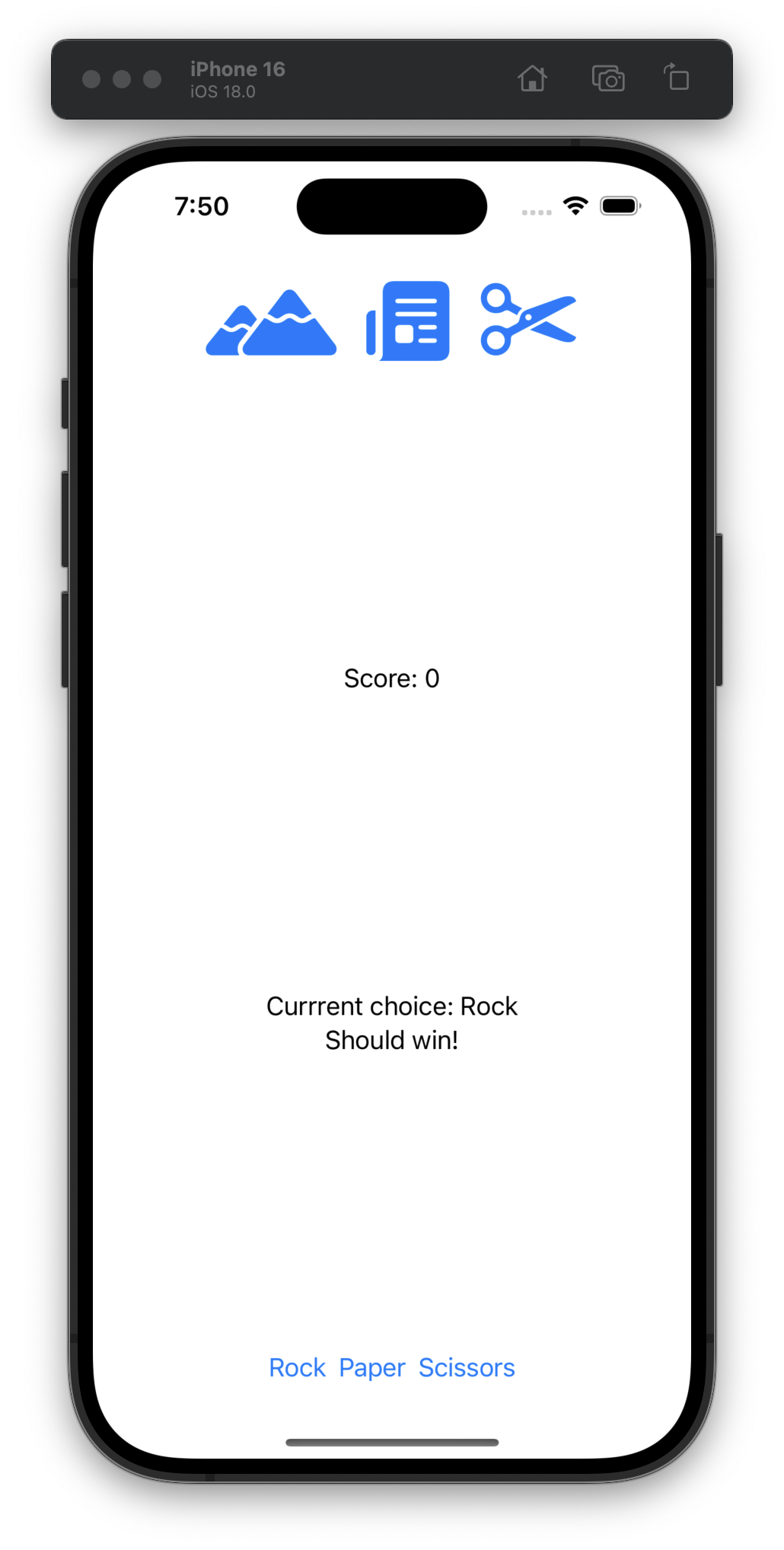
Haha this looks so awful, but day 25’s challenge was fun: to build a rock/paper/scissors game from scratch! #100DaysOfSwiftUI
Day 24 was straightforward—a test and a few little changes to make on our own to our recent projects. I had to go back to remember the syntax for custom modifiers. Onward! #100DaysOfSwiftUI
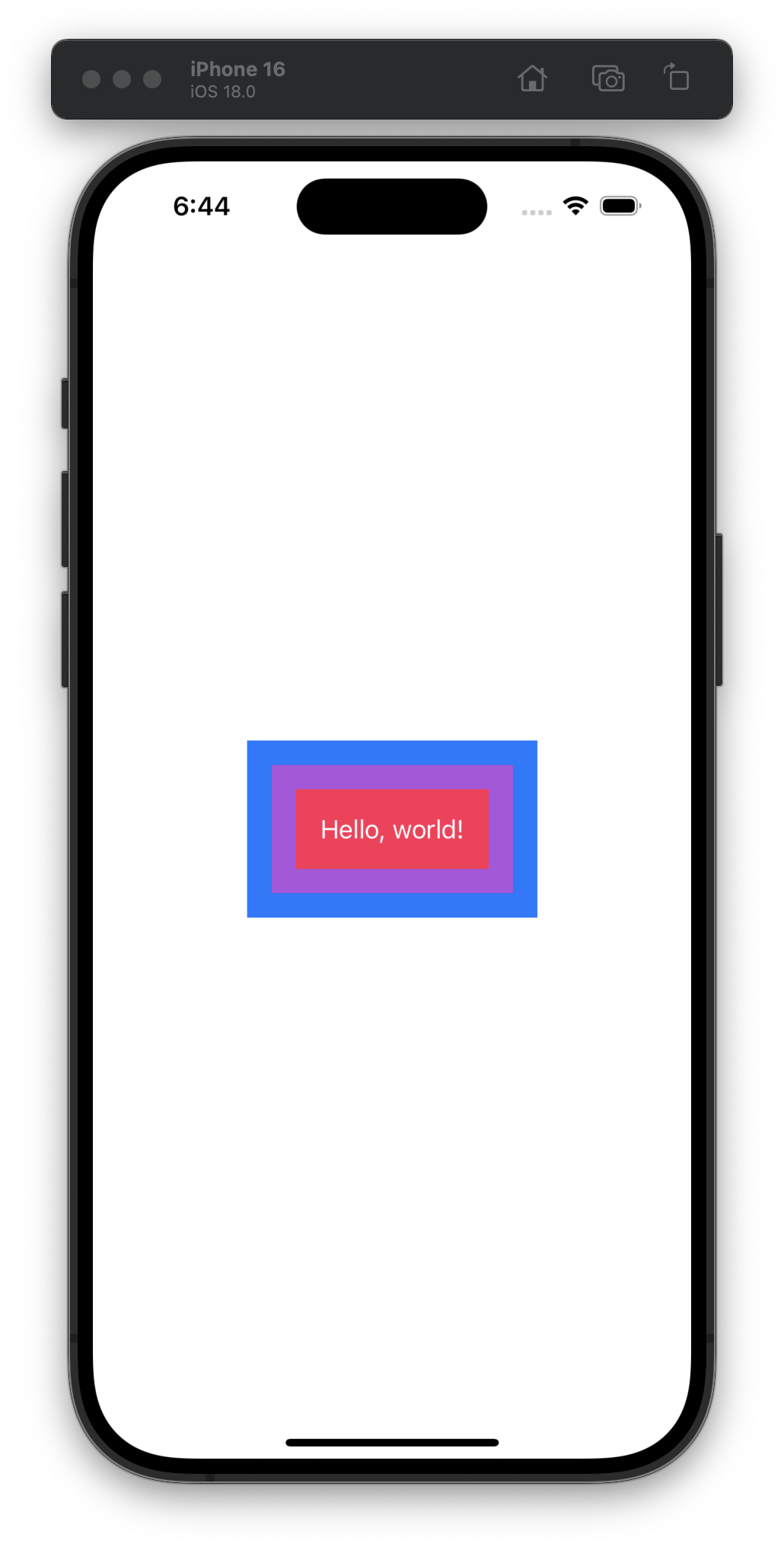
Today I learned that the order of modifiers does matter:
Text("Hello, world!")
    .padding()
    .background(.red)
    .padding()
    .background(.blue)
    .padding()
    .background(.green)
    .padding()
    .background(.yellow)
Day 23 in the books! #100DaysOfSwiftUI
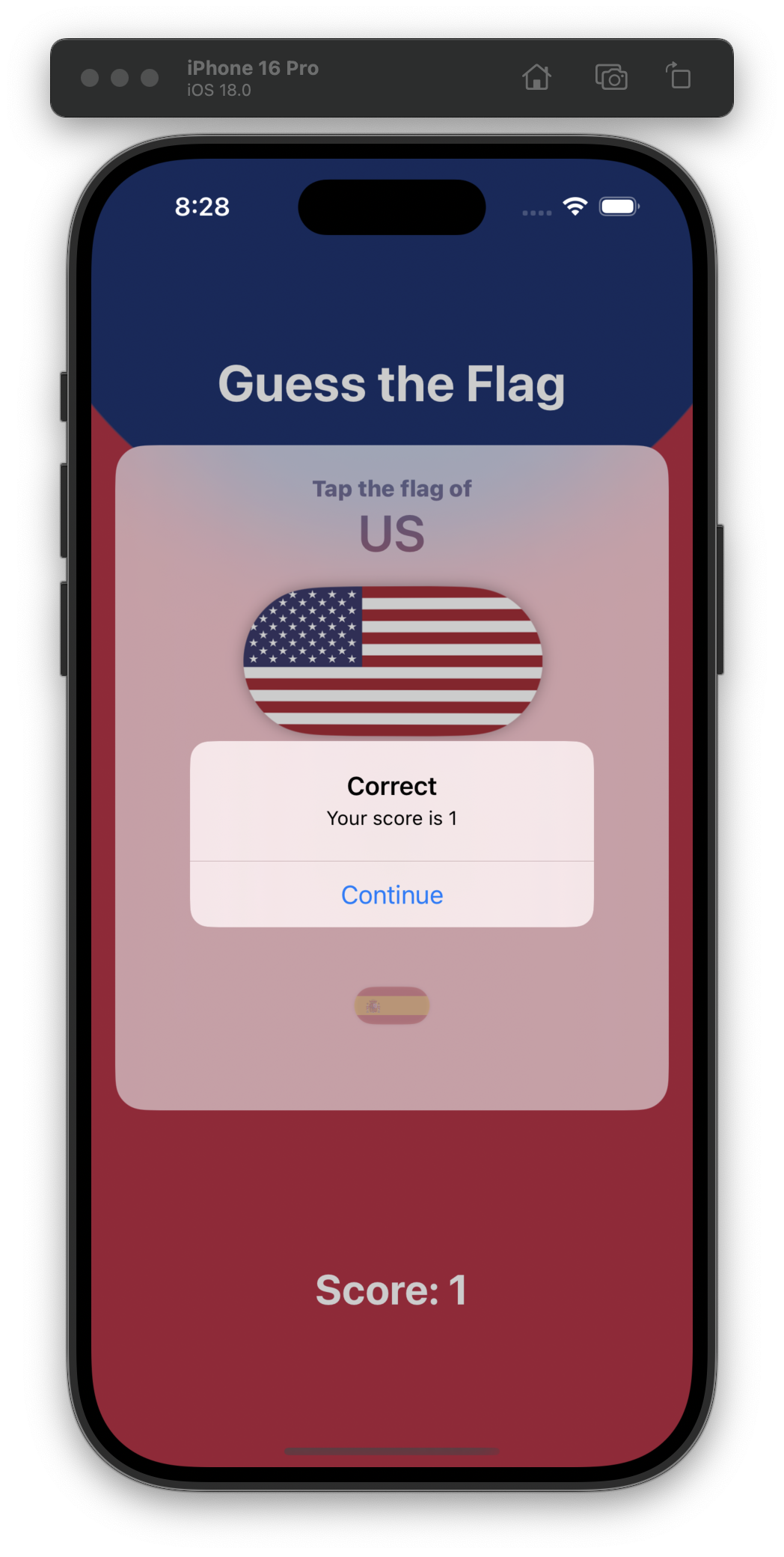
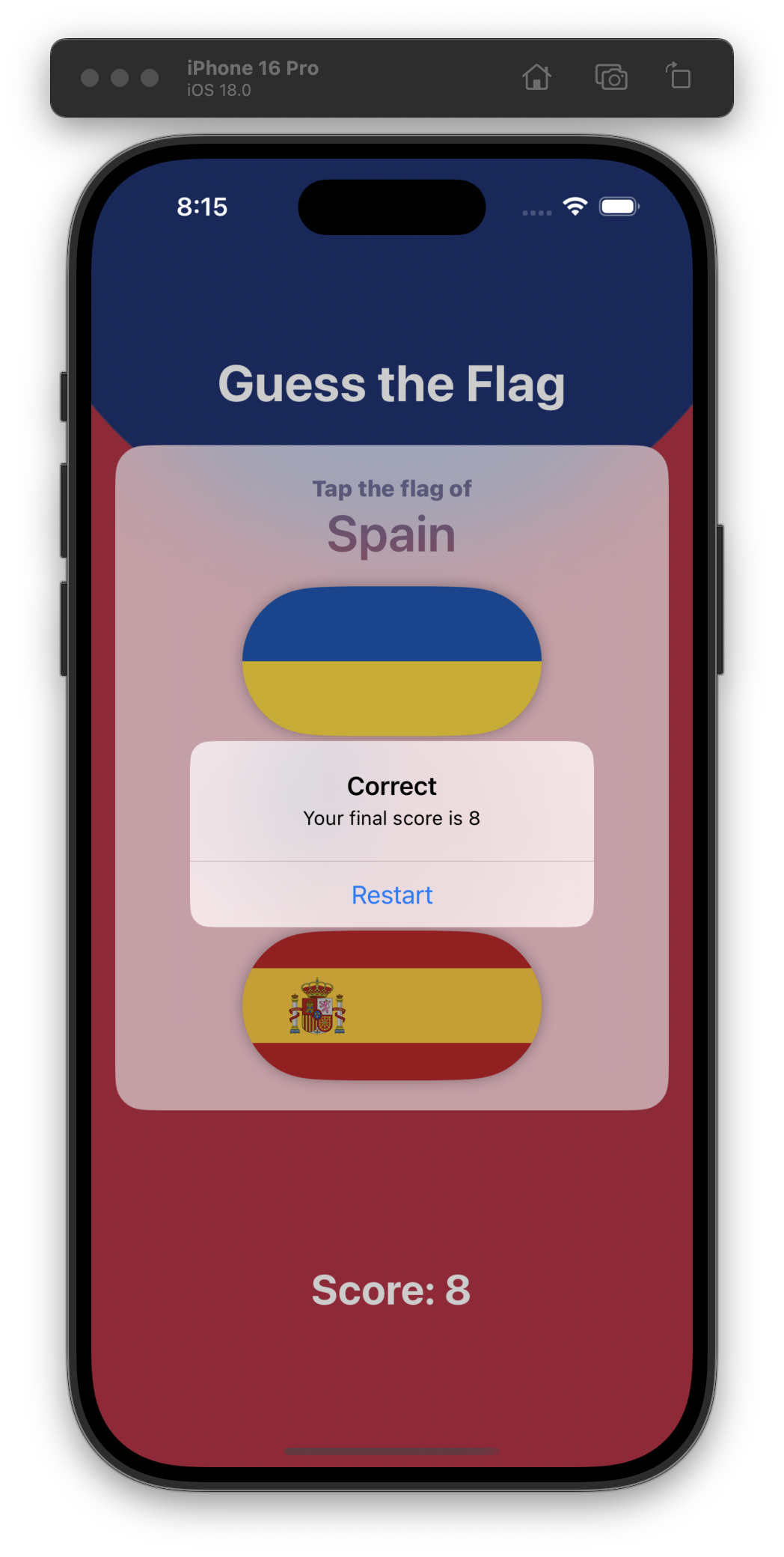
Day 22 was really easy—added the score counter and a different alert for when the game is “over.” #100DaysOfSwiftUI
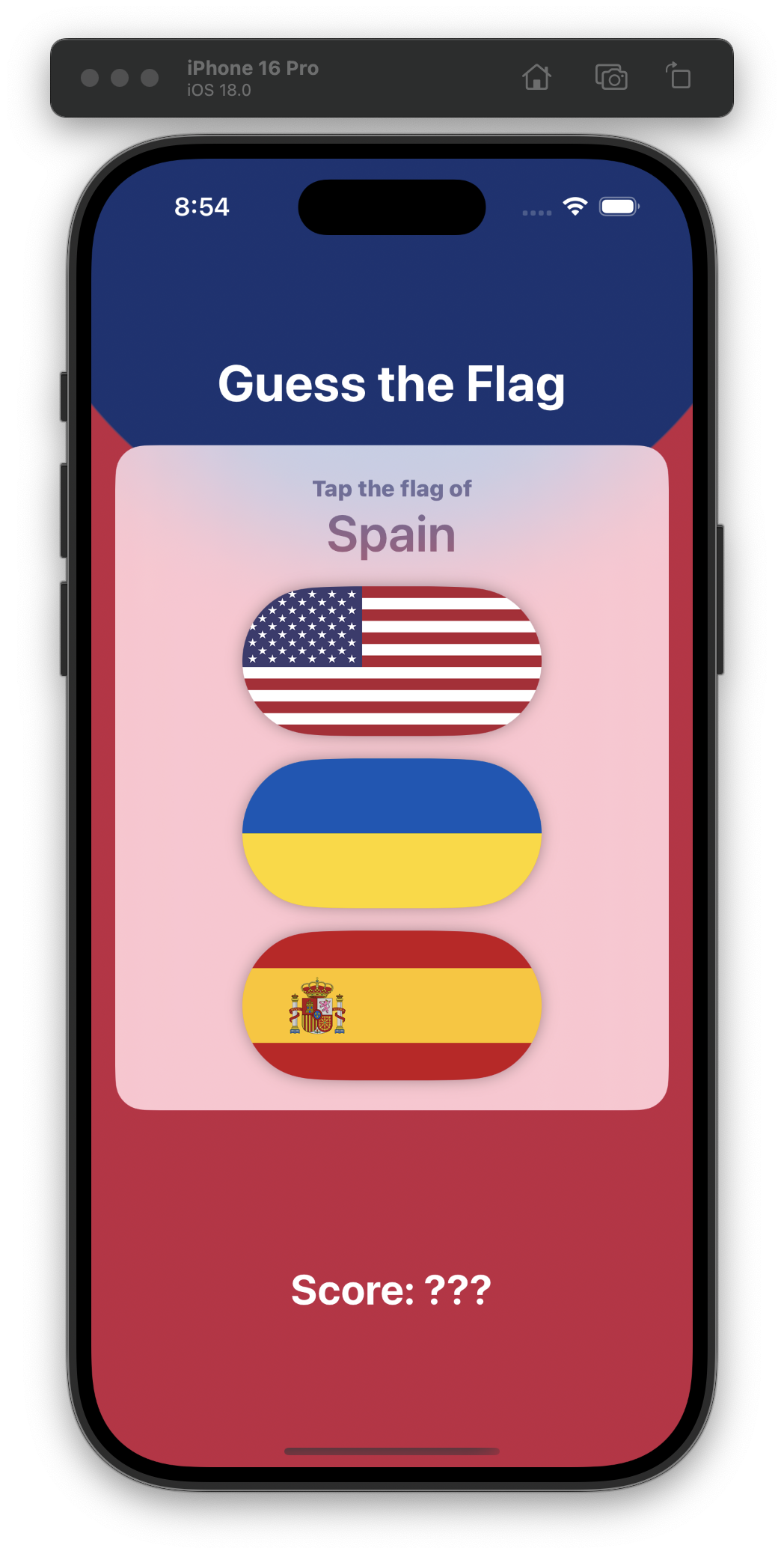
Day 21 had us building a mini flag-guessing game, but without the score implemented. I will be absolutely shocked, shocked I say when we implement the score as the next day’s challenge. 🇺🇸 🇺🇦 🇪🇸 #100DaysOfSwiftUI
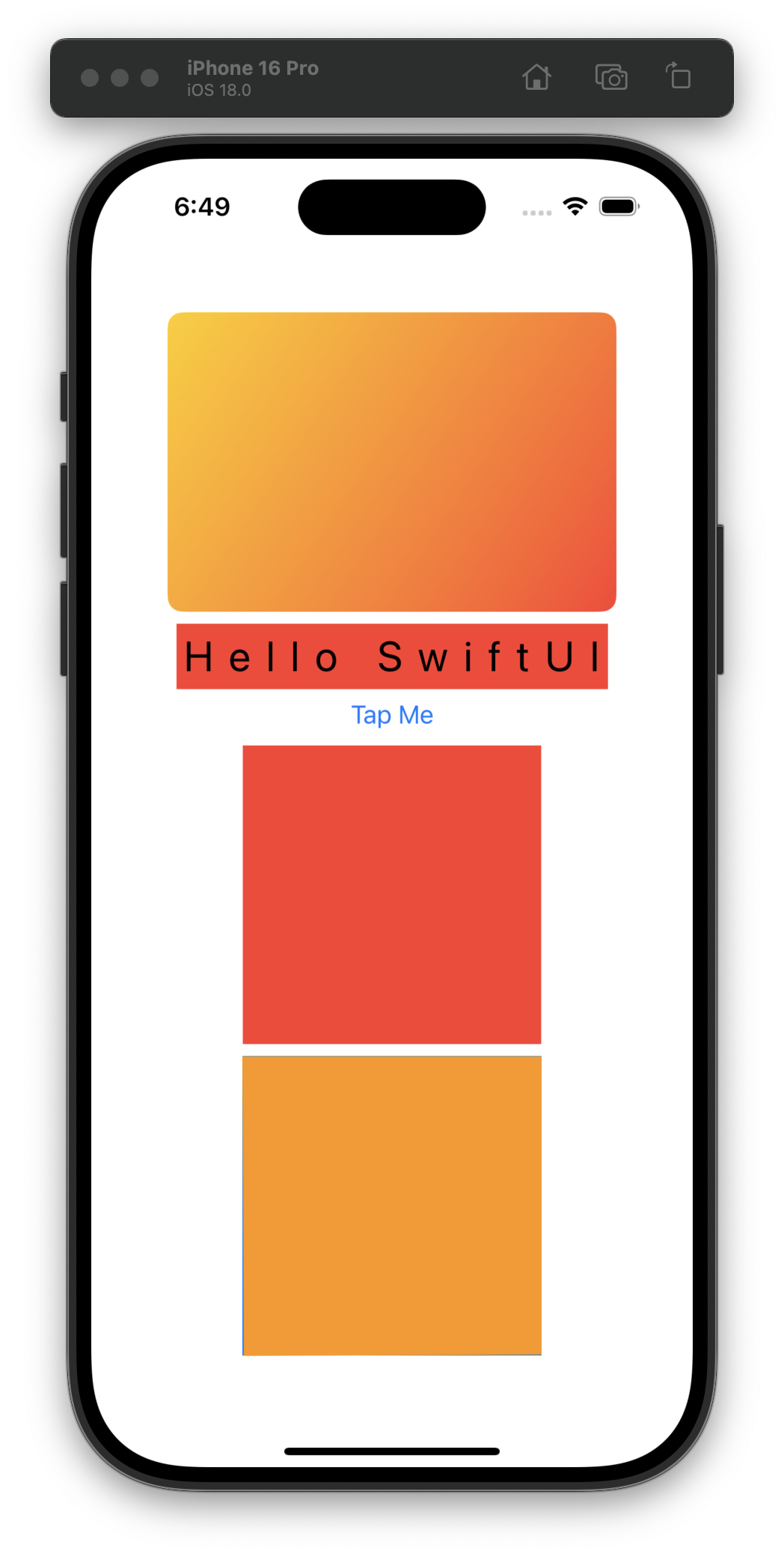
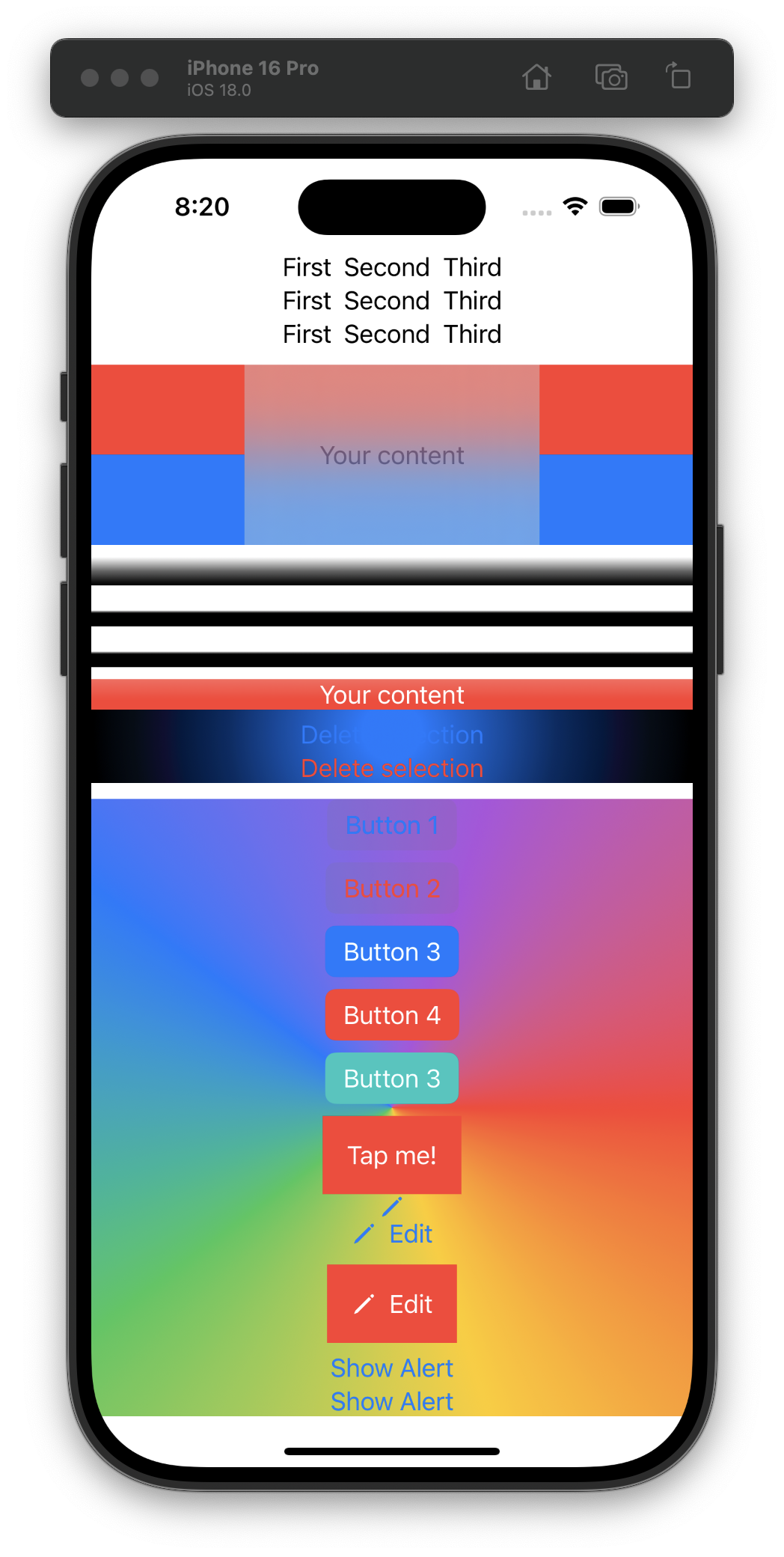
Day 20 is all about stacks, gradients, buttons, and images. I find it more fun to keep all the sample code in one project and let it pile up. 🤪 #100DaysOfSwiftUI
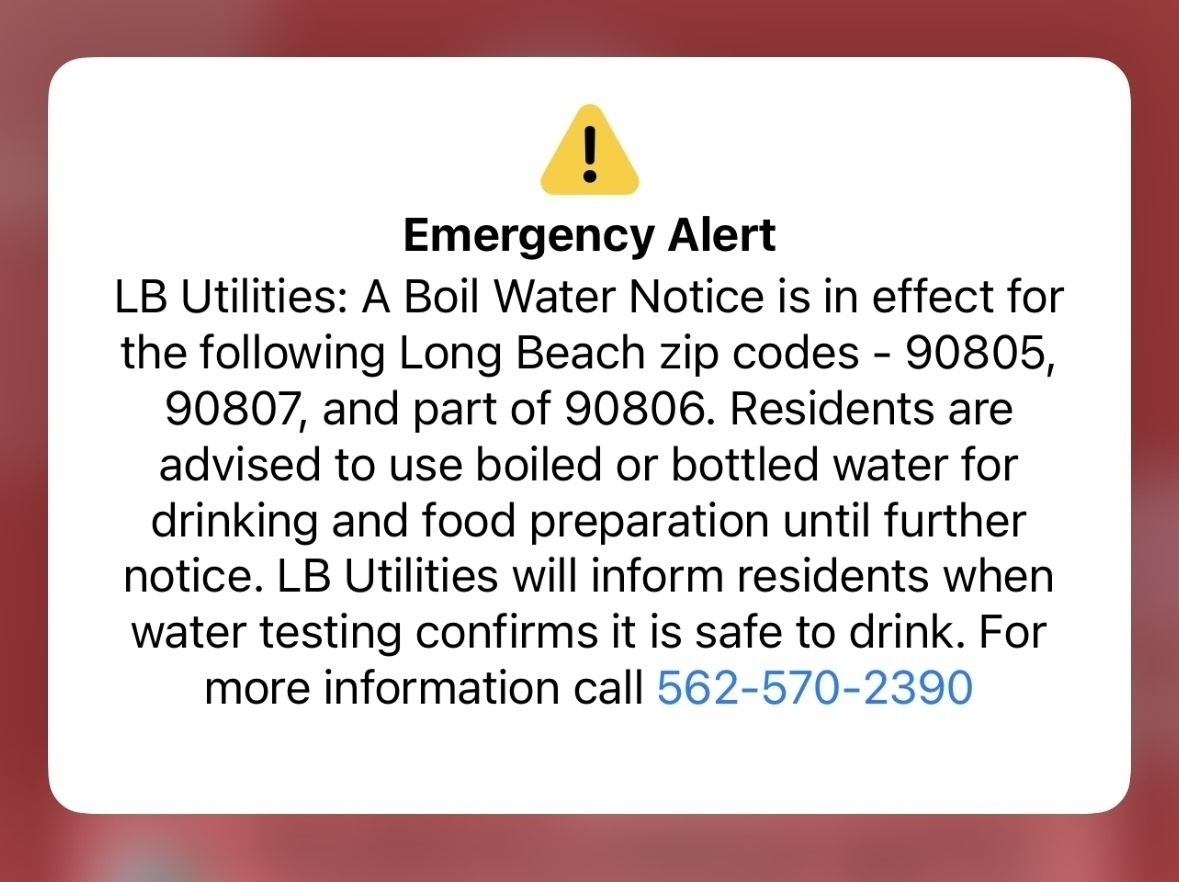
Uh oh… lbpost.com/news/boil…
What does the Swift community use for code formatting/linting?
Ideally I’d like to have something that only runs when I invoke it with a keyboard shortcut or maybe on every save.
Day 19, very fun to have a day focused on building a new app from scratch! This was my take on the challenge. #100DaysOfSwiftUI
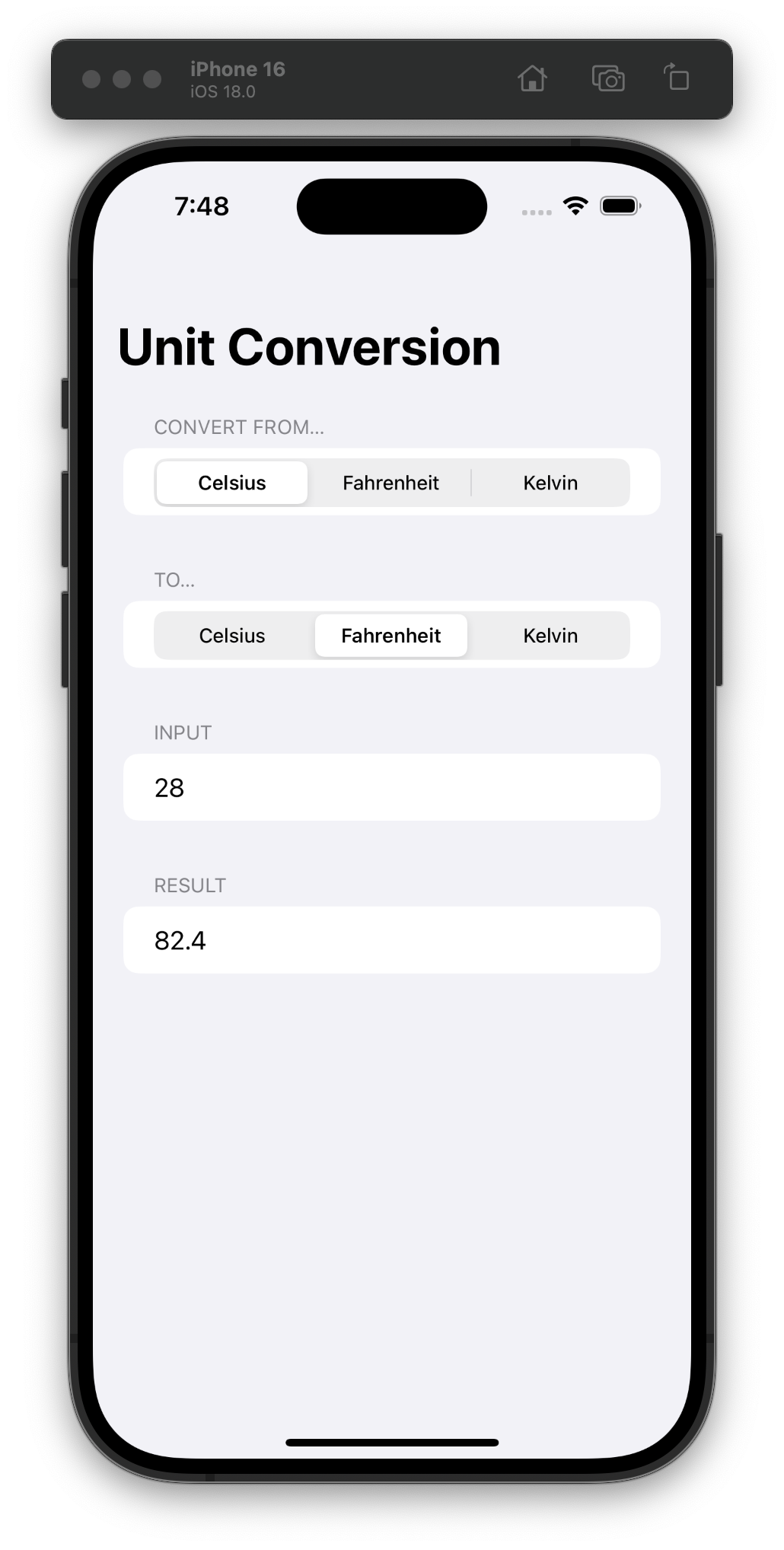
Day 18 is a short quiz and adding some new code on our own without any guidance—it took so little time (9 minutes 😝) that I’m tempted to just start on the next day, but I will resist! #100DaysOfSwiftUI