
2025 iPhone Home Screens
Last year I took screenshots of my iPhone home screens and posted a brief description of why I have so many home screens—TLDR, I use focus modes to change my home screen depending on time of day / what I’m doing, so I only have one home screen per focus mode that gives me just what I want in that context.
Each focus mode and the trigger hasn’t changed much , except for one: I don’t have a Personal focus mode anymore, and instead “no focus mode” is my personal focus mode.
One more note before I show each one—it is comical to look at what my home screens looked like a year ago. I’m so glad I captured those because they’re hilarious in retrospect… just as I expect these to be to me in a year.
Alright, let’s get into them…
Morning
Here’s what my Morning home screen looks like (in Small icon mode so it’s easier to understand with labels; I actually use Large icon mode everywhere):
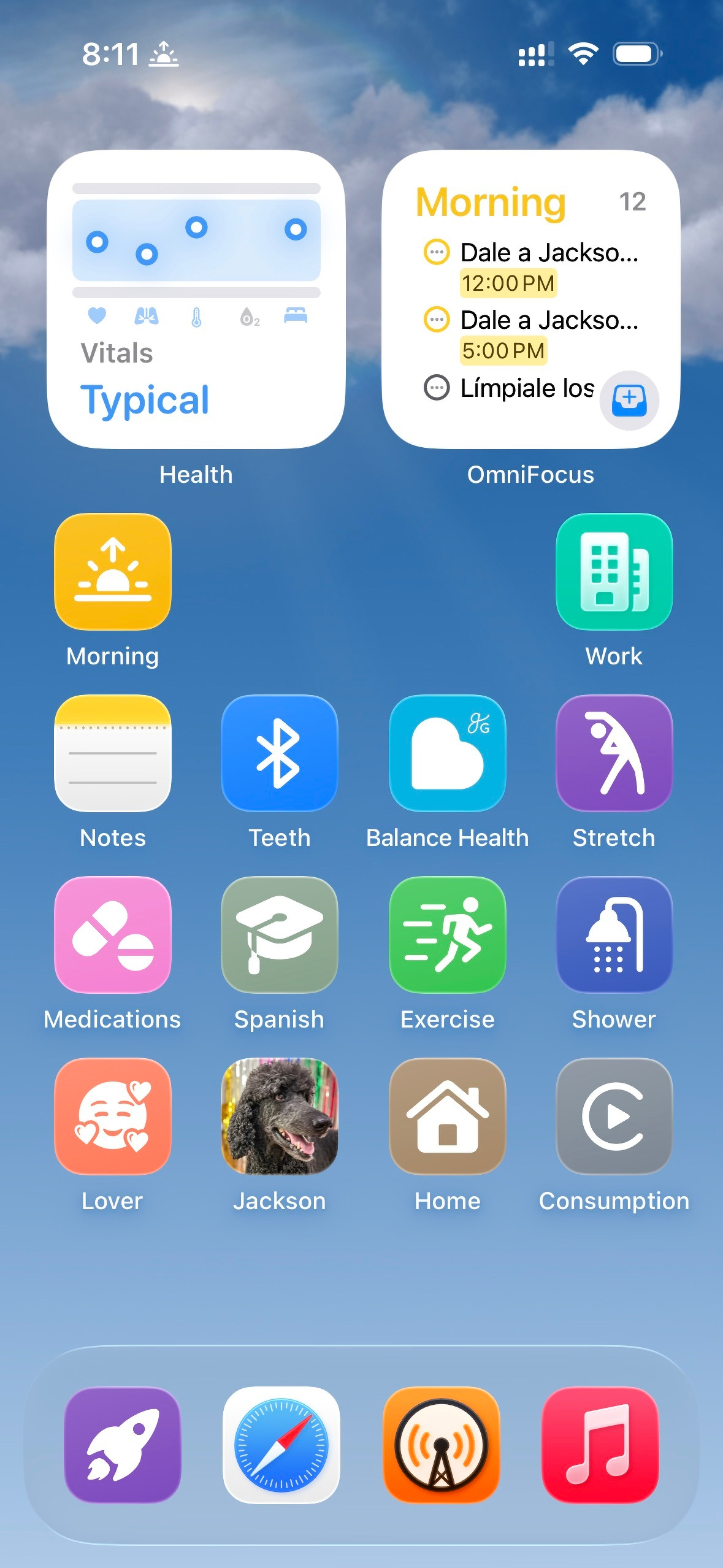
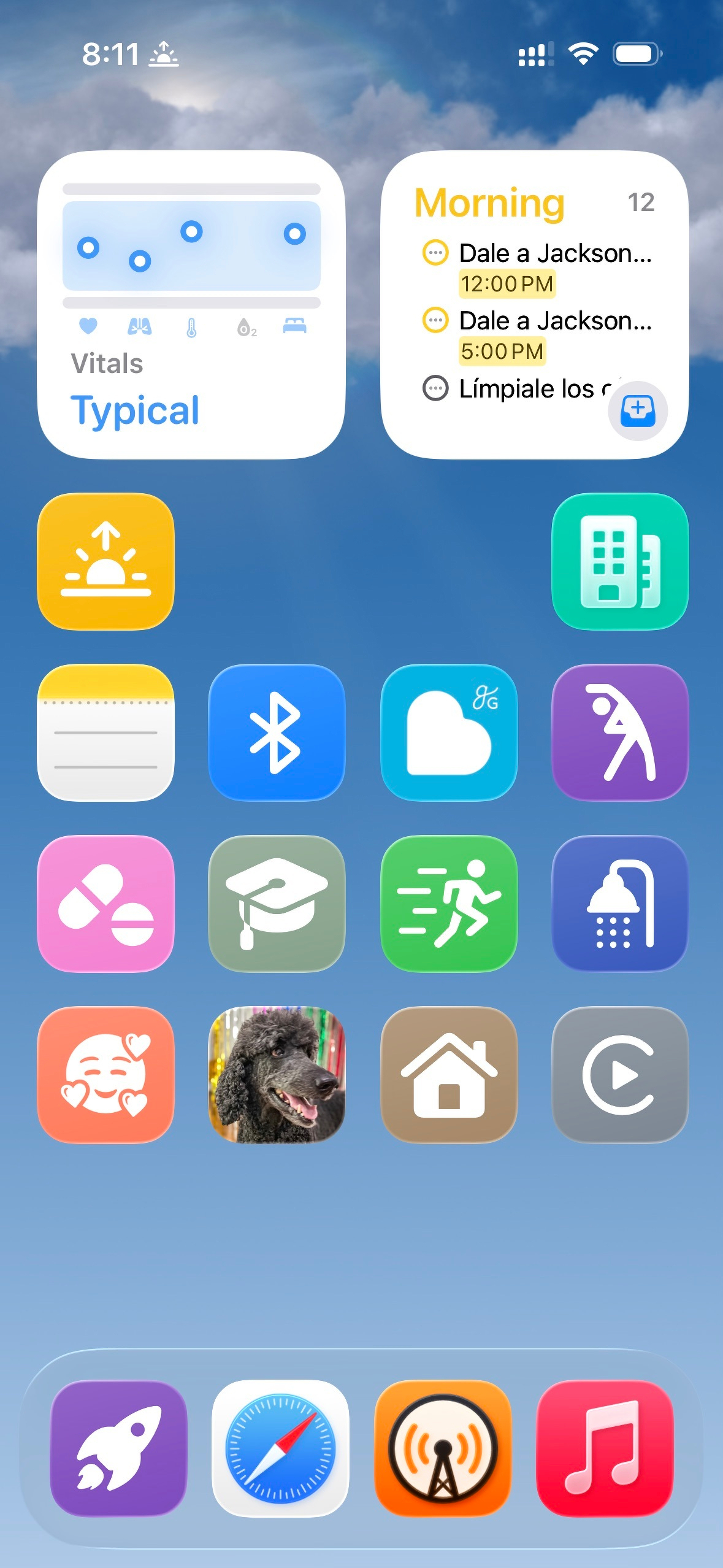
Some general changes compared to last year:
- In the “dock,” I have a rocket shortcut that is all my personal shortcuts: coffee, food, etc.
- I have an OmniFocus widget on most of my home screens, so I can run through tasks relevant to that focus mode / context
- Camera isn’t present anywhere; I use my phone’s Action Button for the camera now (and can’t wait to upgrade to a phone with the Camera Control)
- I’m on new meds that naturally make me drink a couple gallons of water every day, so I don’t track my water intake
And specific to the Morning home screen:
- I use a Bluetooth icon for brushing my teeth because there’s no tooth icon in the Shortcuts app!
- My InBody scale stopped working over Bluetooth, so now I use it as a “dumb” scale and put my weight in manually when I launch my Shower shortcut
Fitness
Here’s what my Fitness home screen looks like:
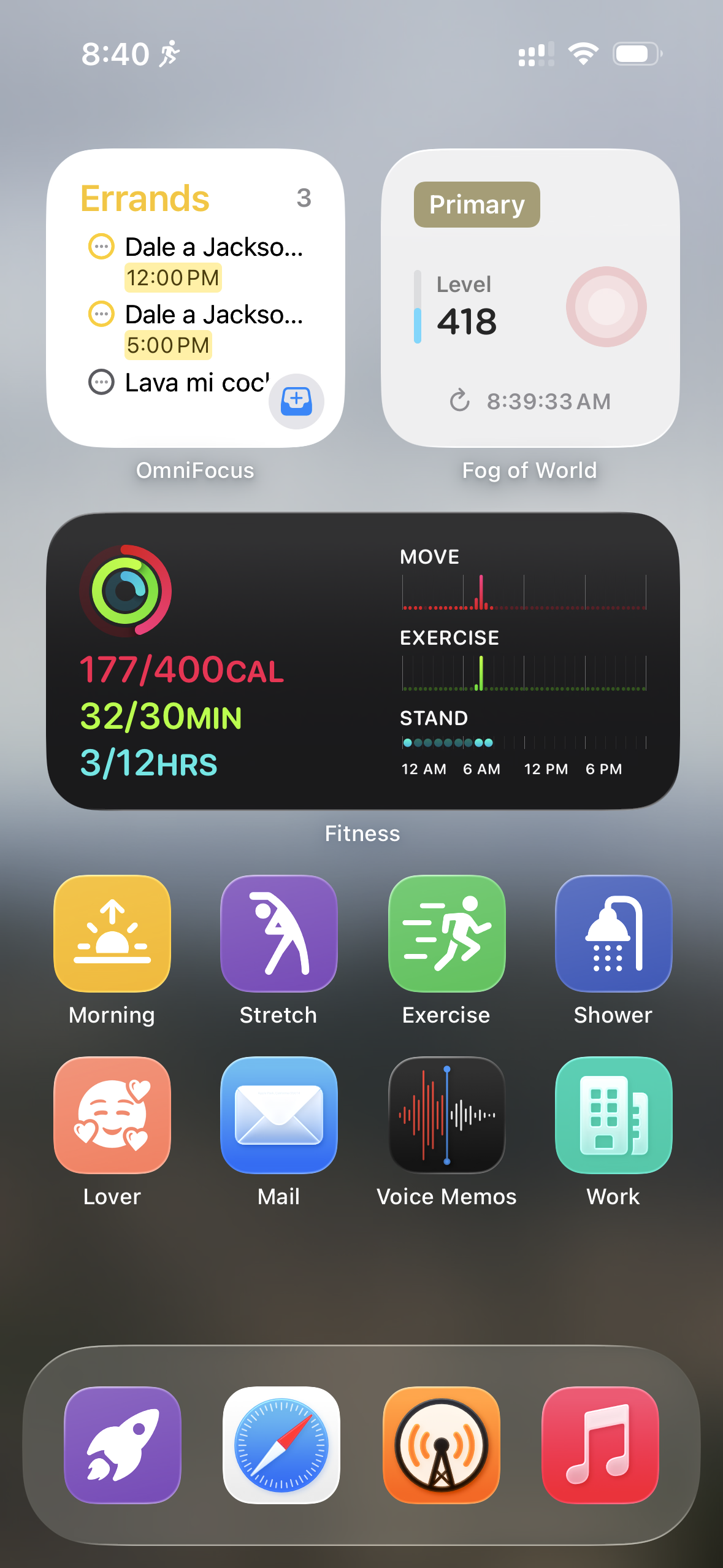
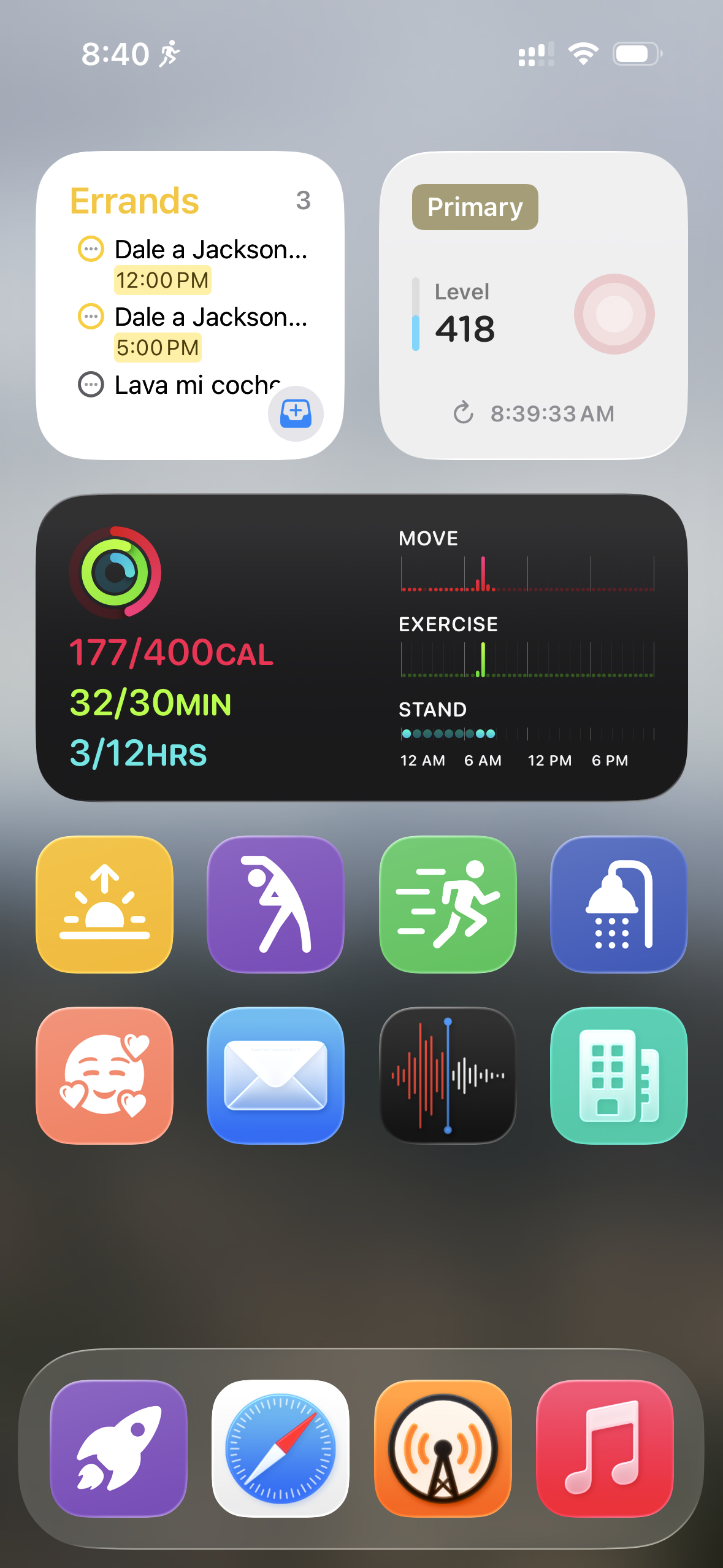
Some thoughts compared to last year:
- A lot more apps and shortcuts are on the home screen because I don’t just use the Fitness focus mode when I go for a run, but also going for a walk, where I might want to check my email, be running errands, etc.
- I’m surprised I had so little on this home screen last year.
Work
Here’s what my Work home screen looks like:
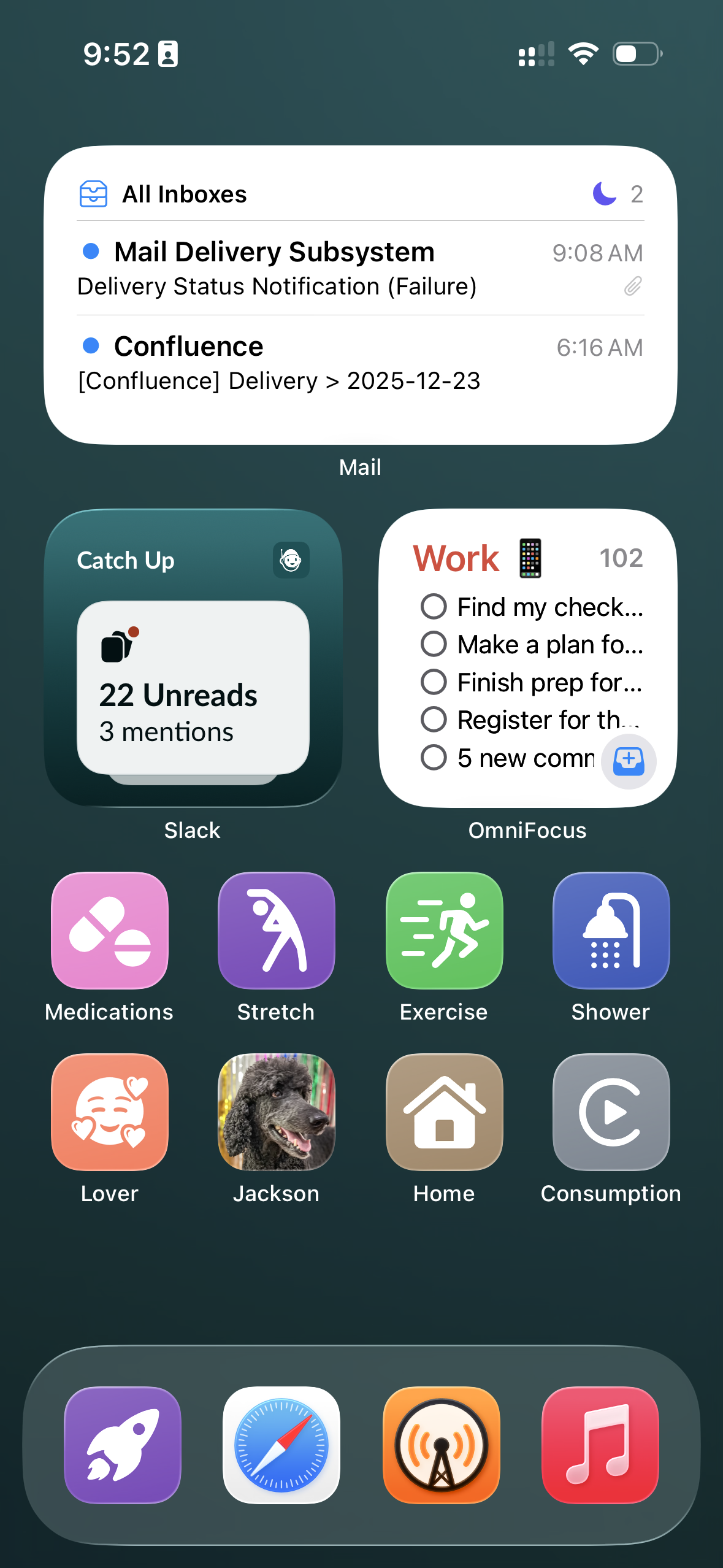
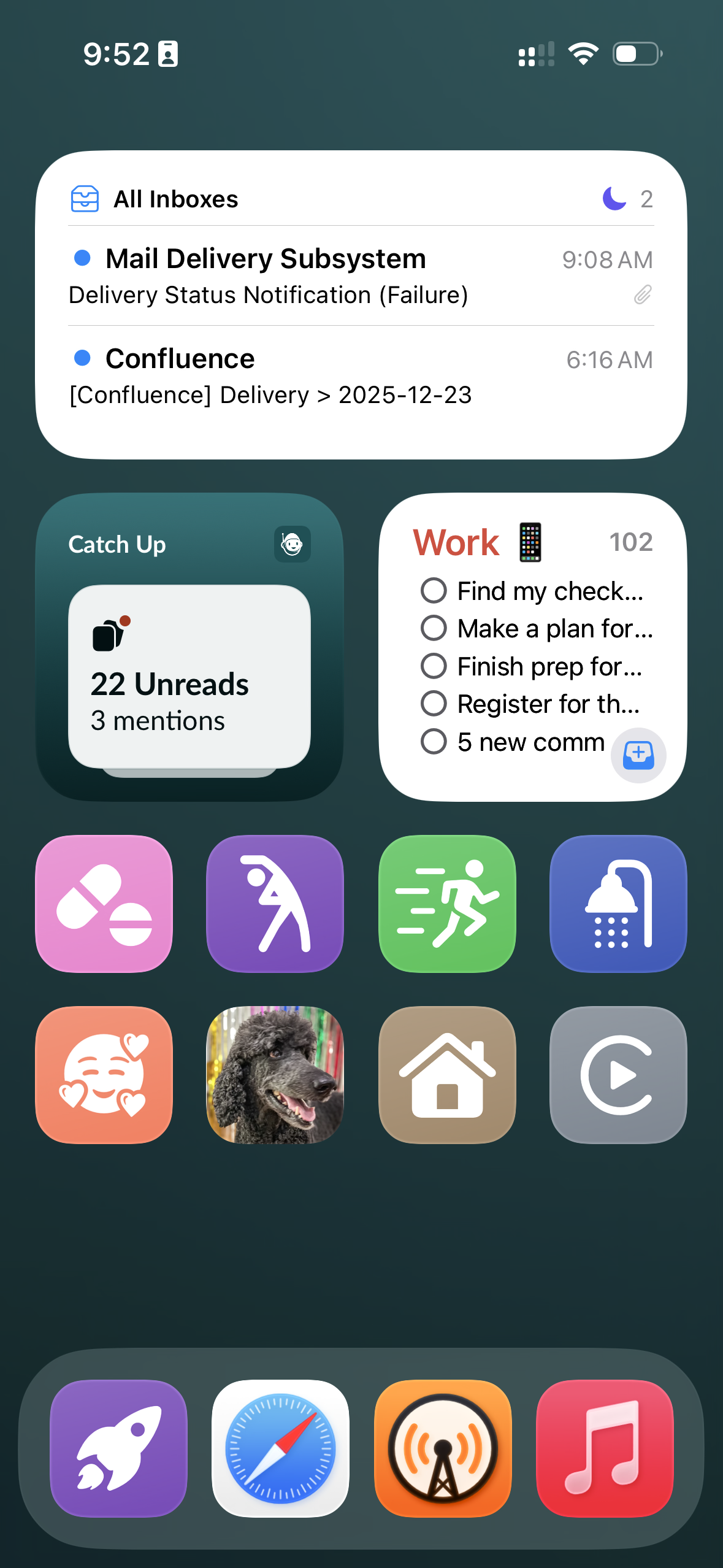
Some thoughts compared to last year:
- The eight shortcuts towards the bottom of this home screen are my standard fare.
Travel
Here’s what my Travel home screen looks like:
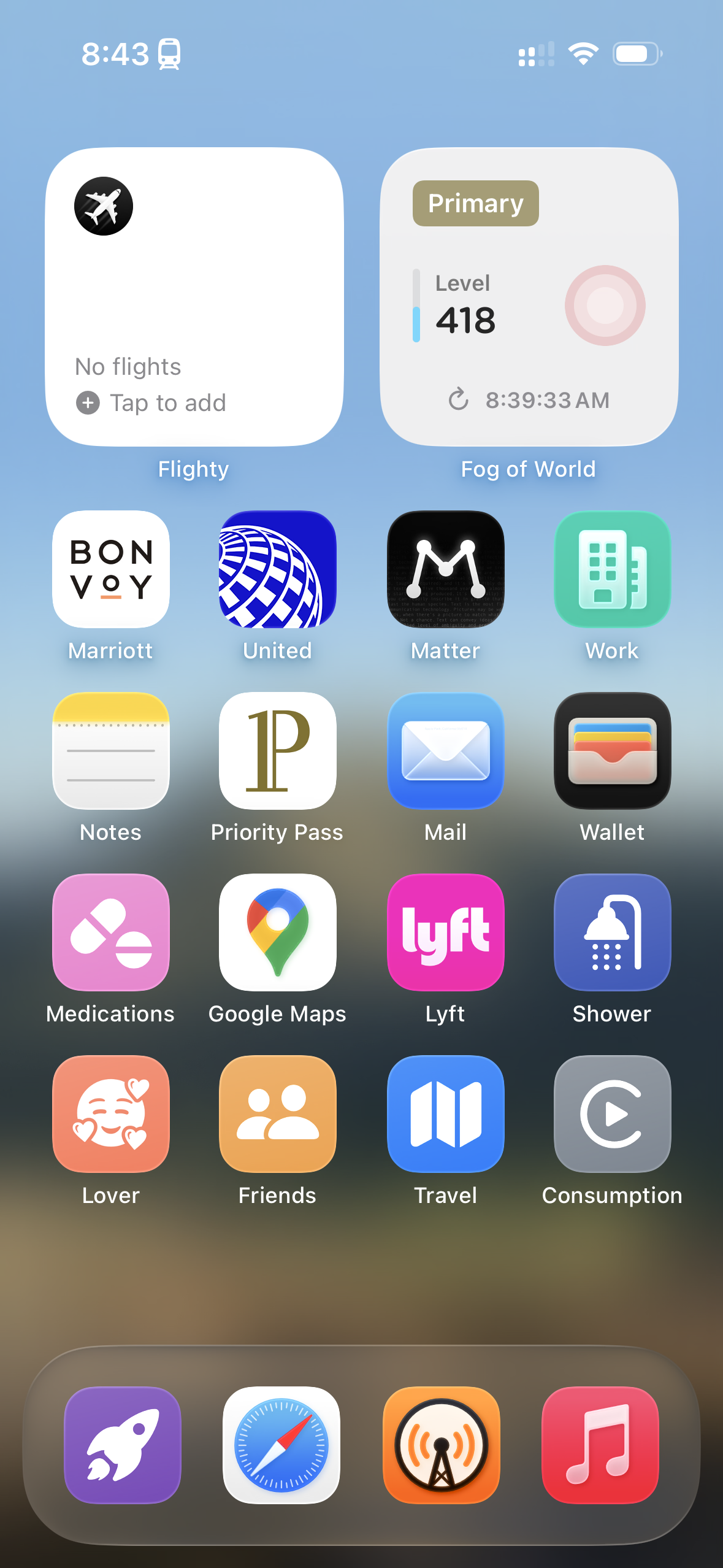
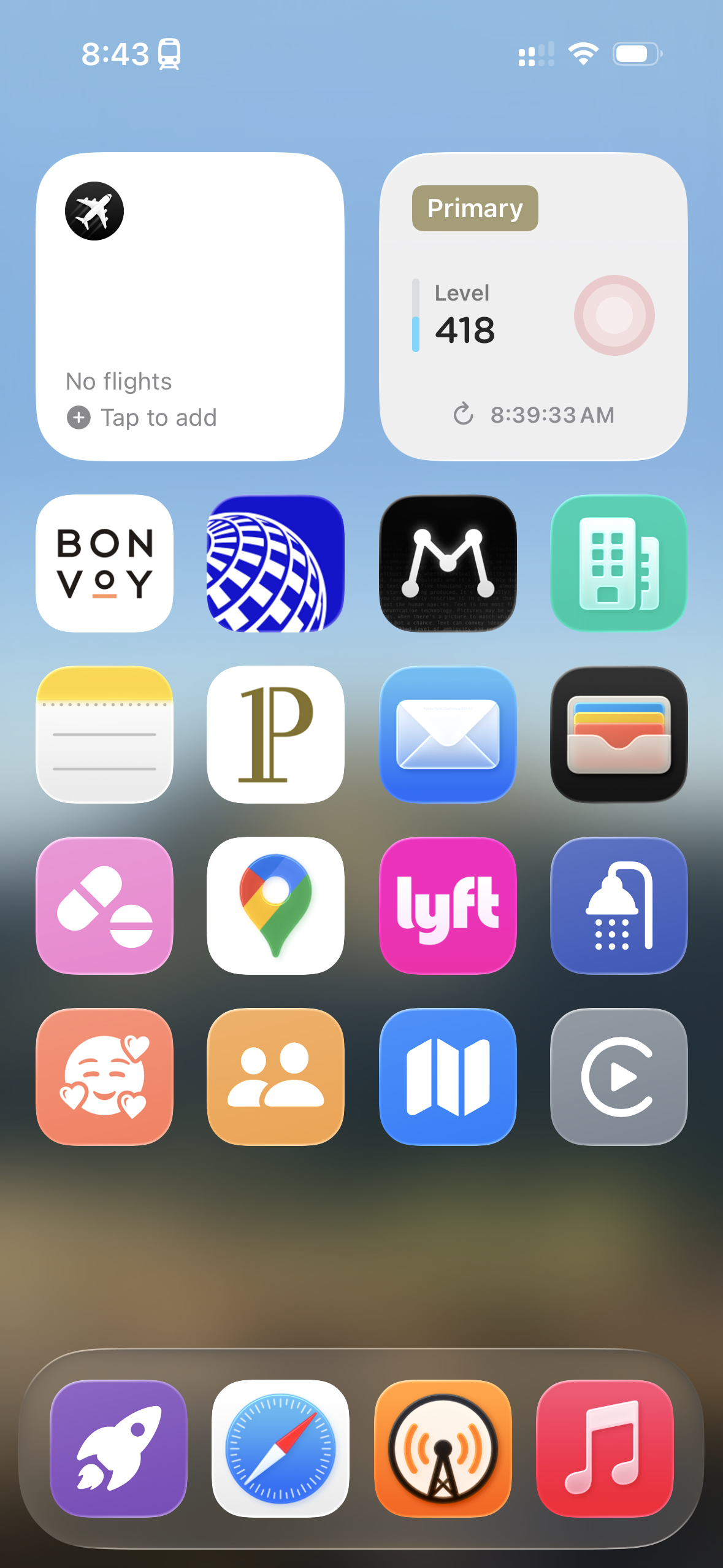
Compared to last year, this focus mode is new!
Evening
Here’s what my Evening home screen looks like:
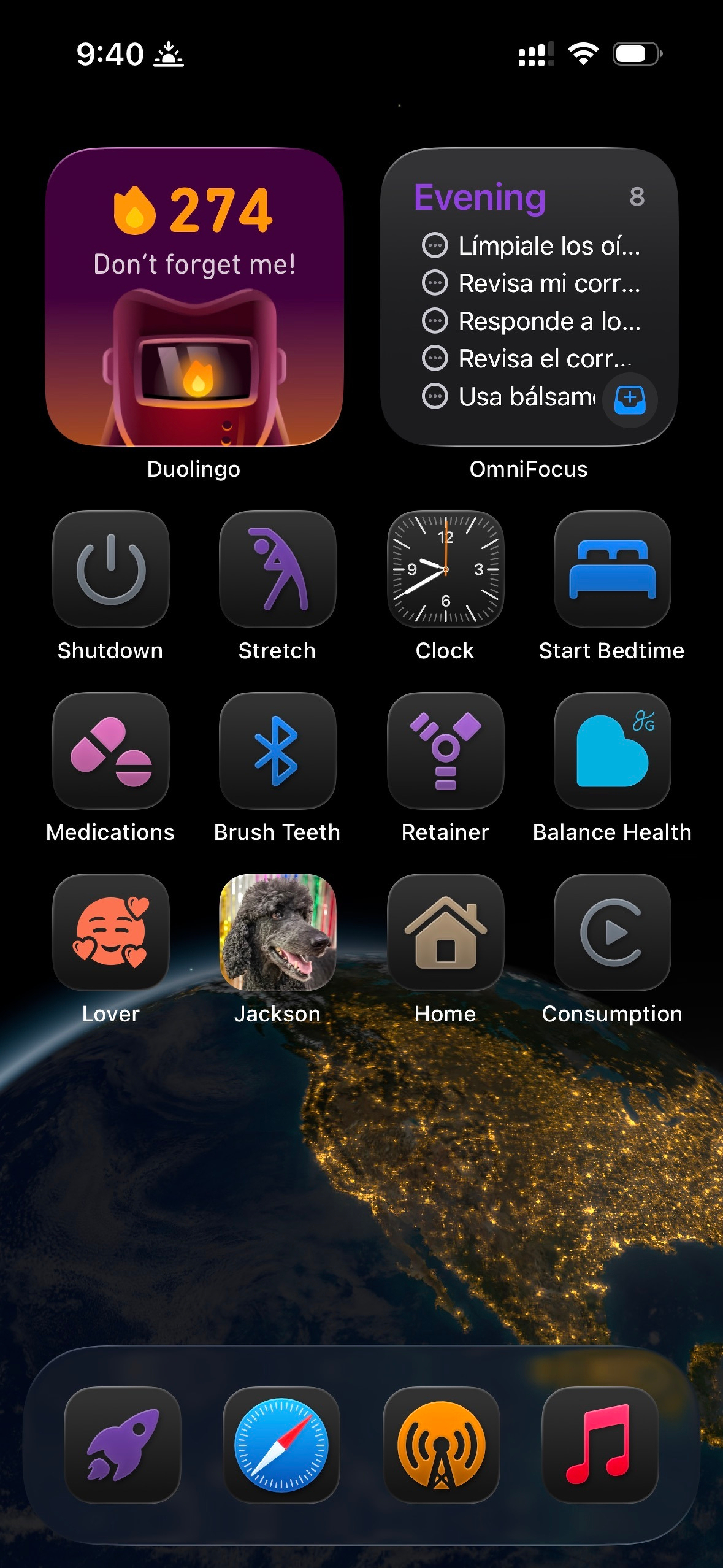
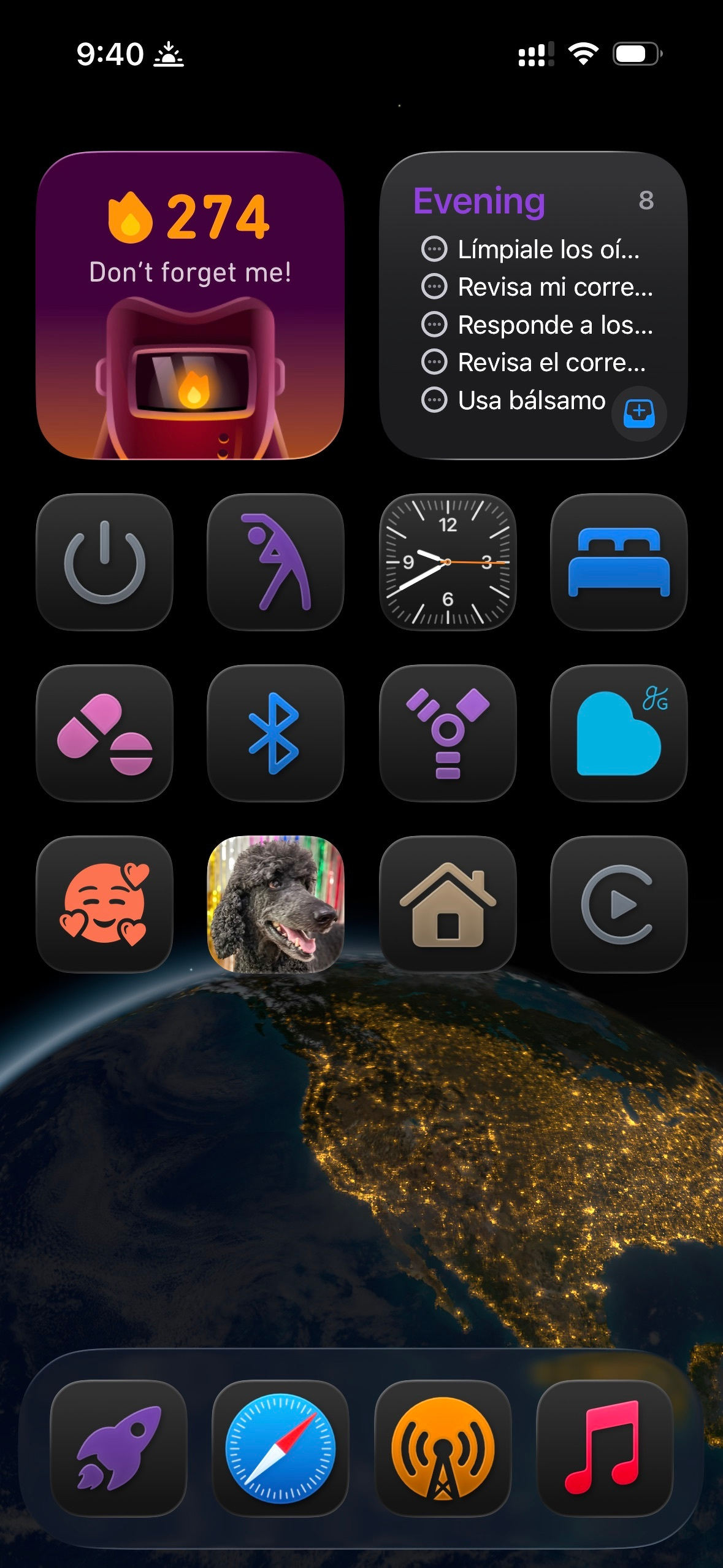
Some thoughts compared to last year:
- This one looks so much better than last year!
- I started using Duolingo this year, so the Duolingo widget is a good reminder if I haven’t done Duolingo for the day.
Driving
Here’s what my Driving home screen looks like:
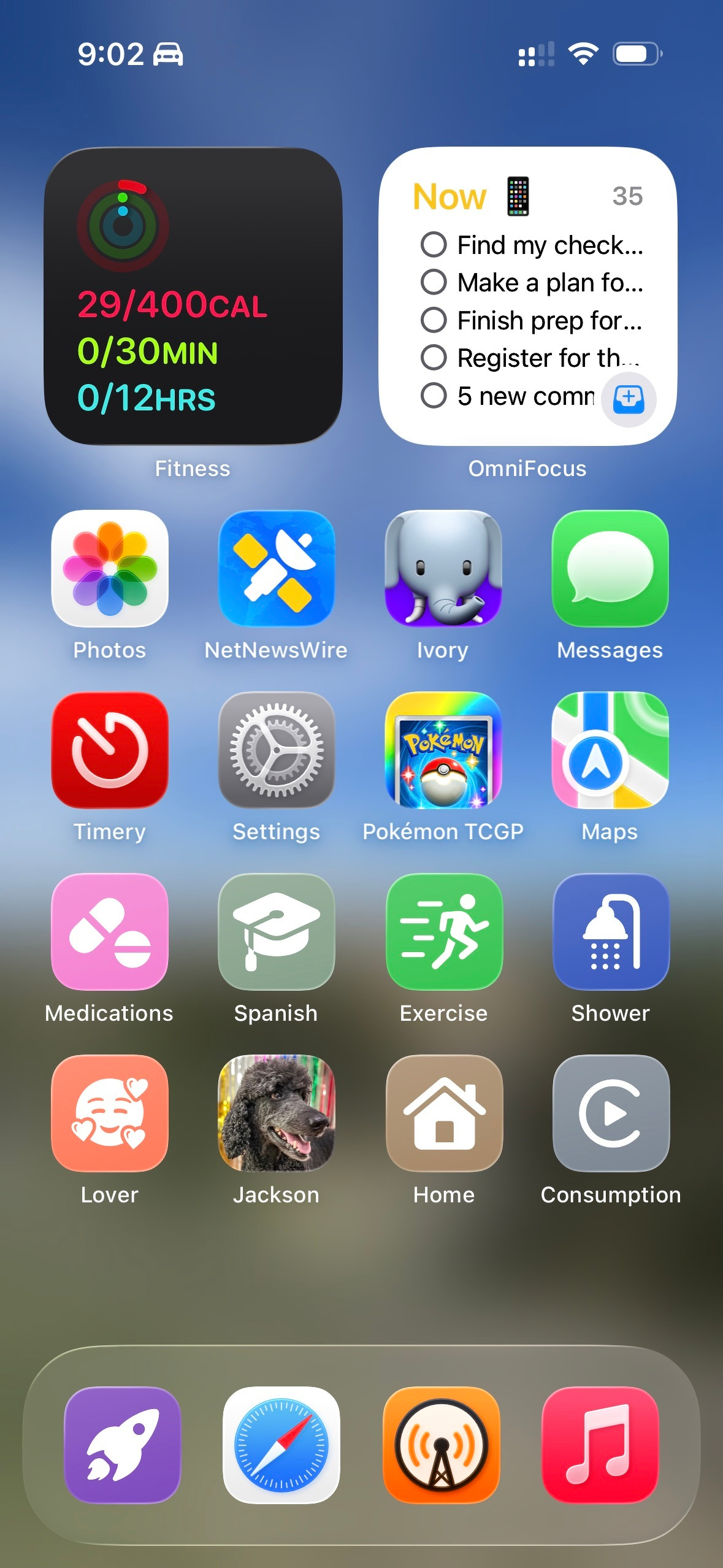
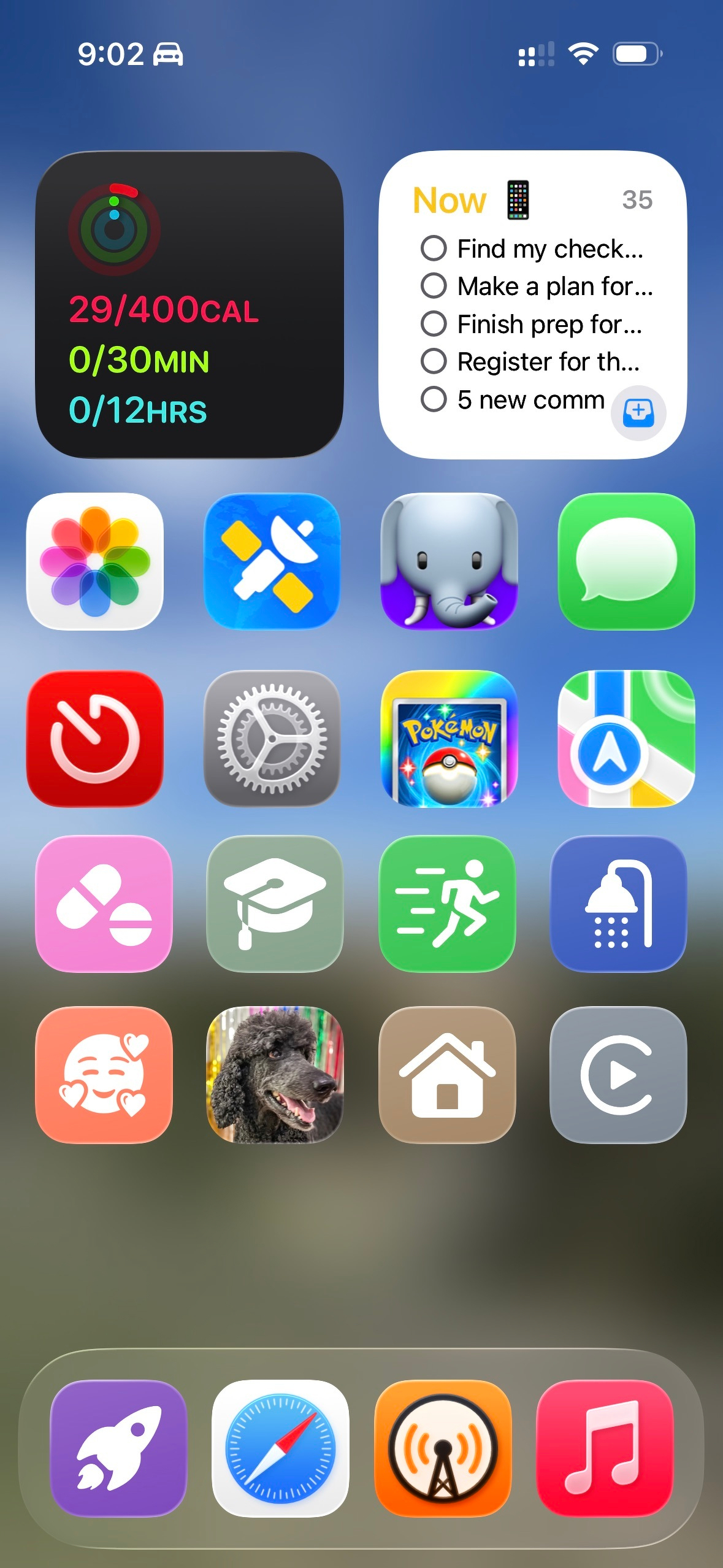
The premise of this home screen is the same as last year, where I have my “no focus mode” home screen displaying.
Sleep
Here’s what my Sleep home screen looks like:
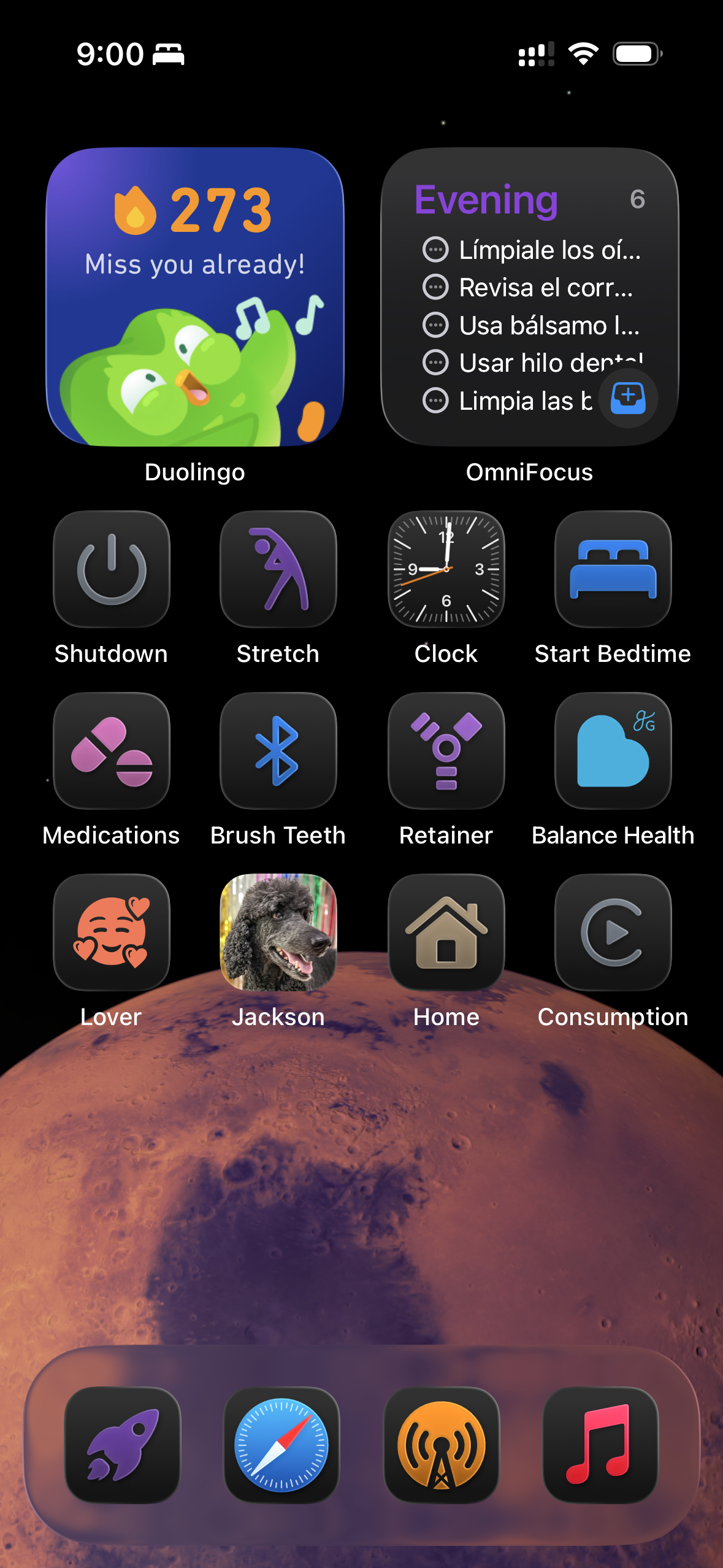
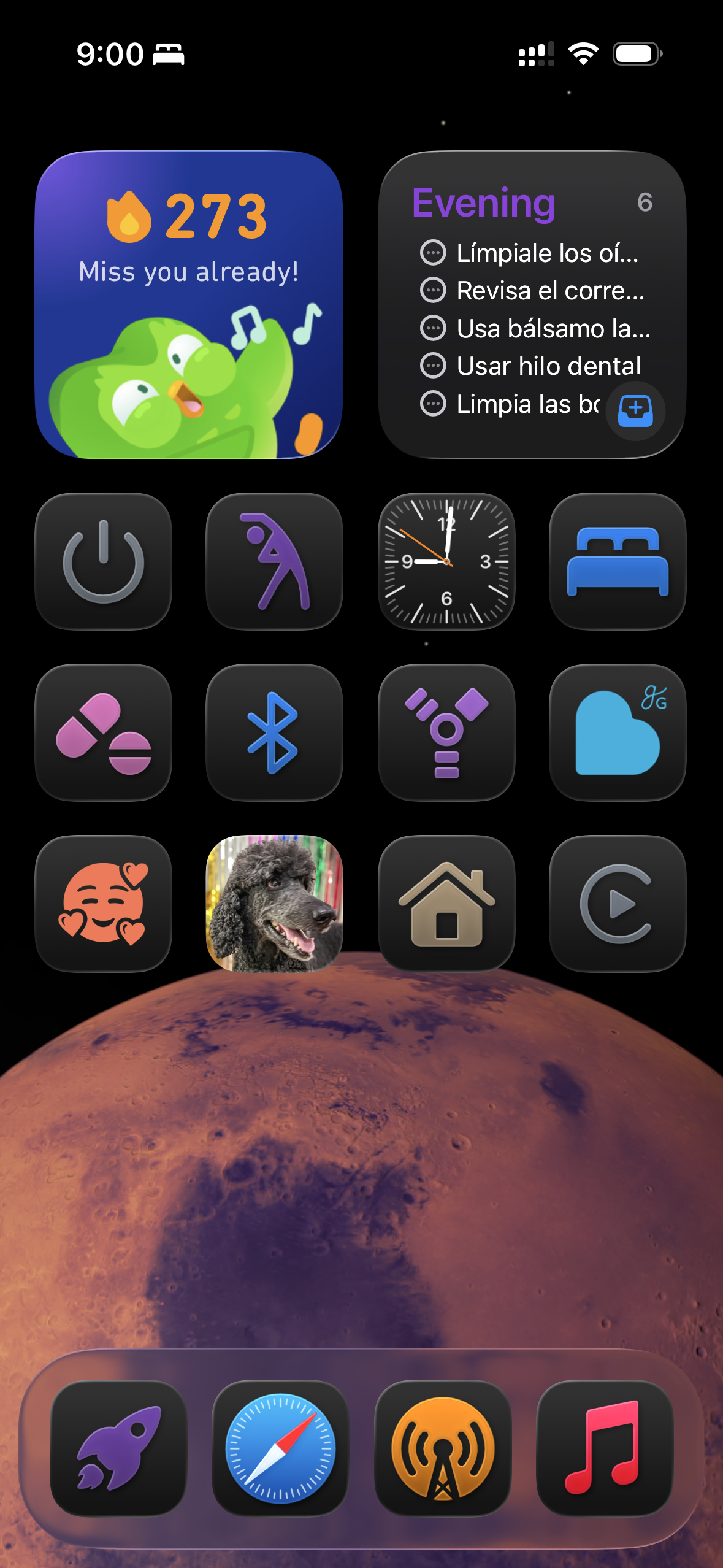
This home screen is the same as my Evening home screen, but with Mars as the background.
Do Not Disturb
Here’s what my Do Not Disturb home screen looks like:
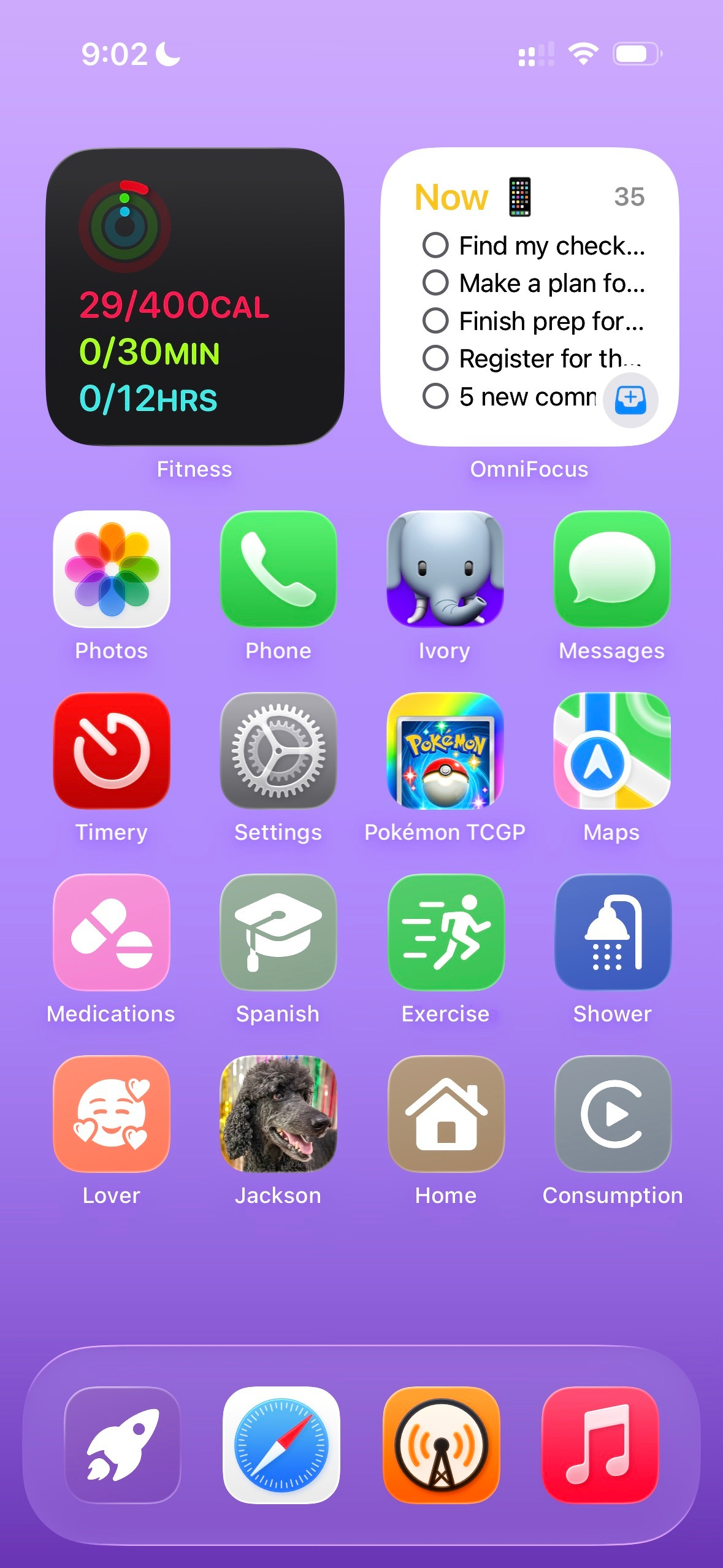
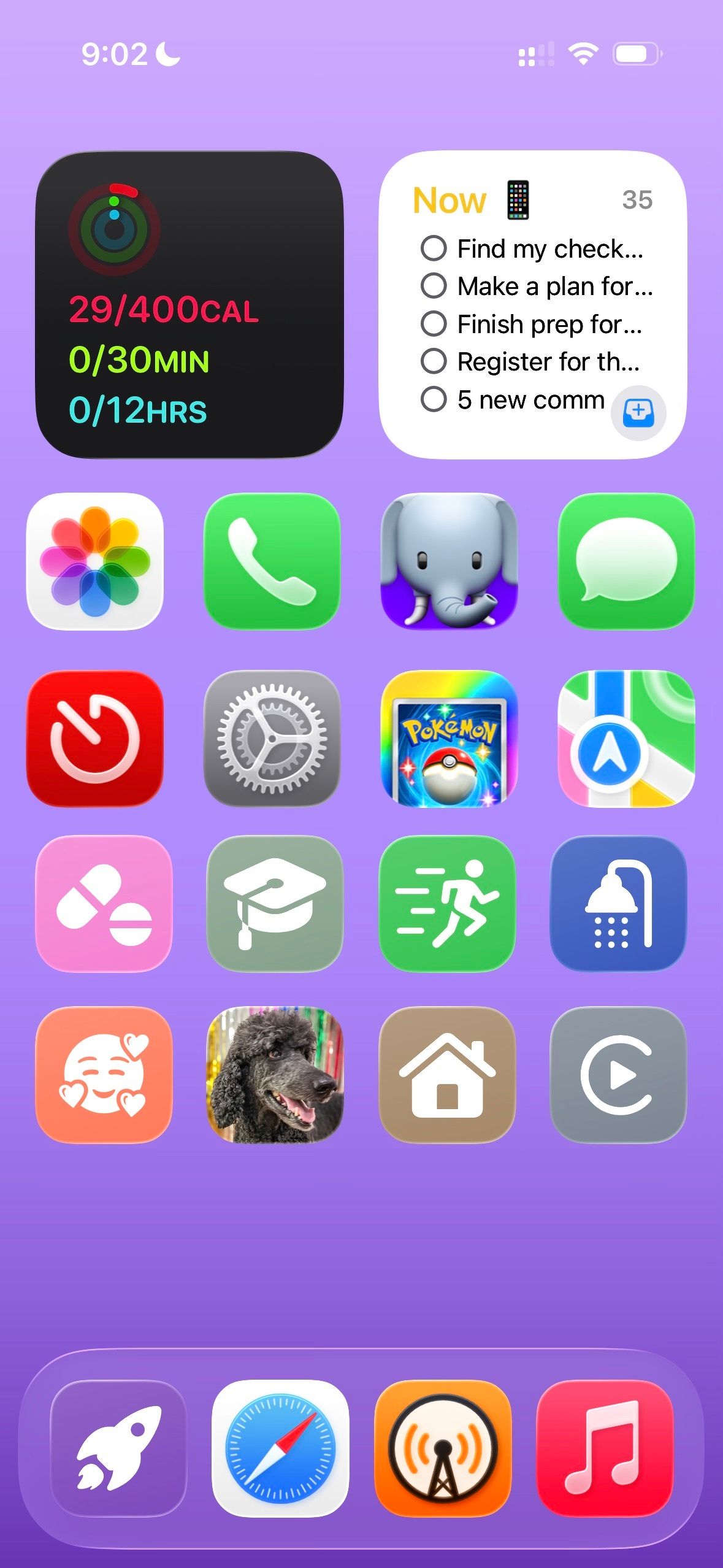
The premise of this home screen is the same as last year, where I have my “no focus mode” home screen displaying.